Smart Thermostat Vacation Safety: Emergency Override FAQ
By Priya Nandakumar • 10th May
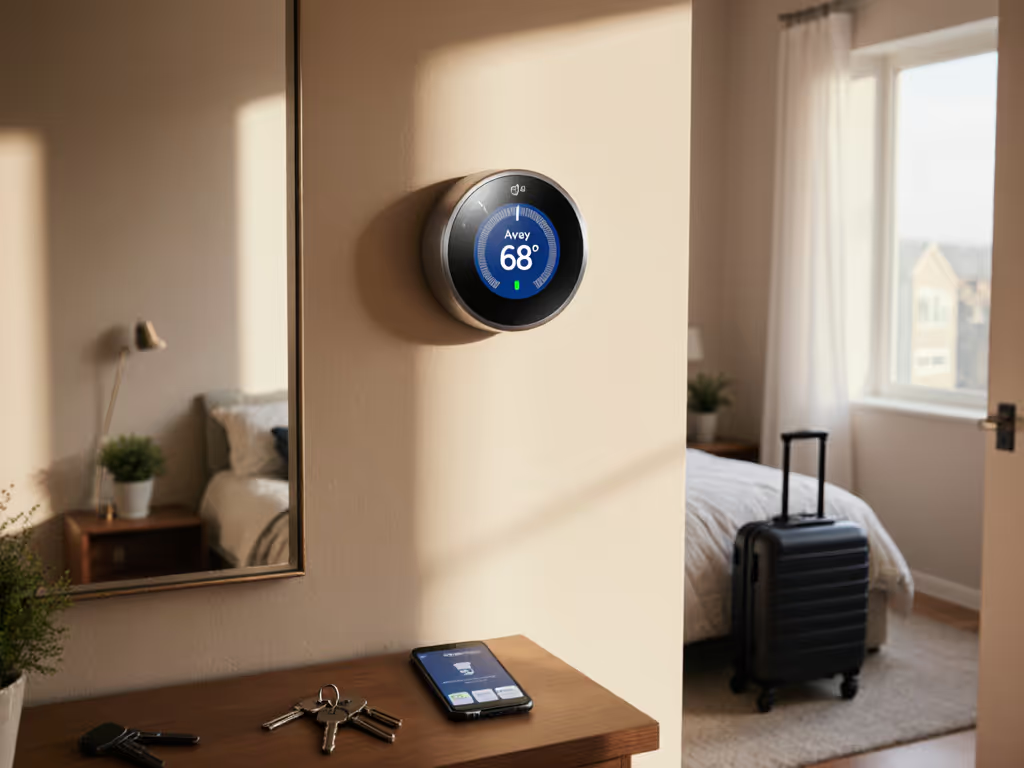
When you're away on vacation, your smart thermostat becomes more than a convenience. It's a safeguard for your home. But what happens when vacation mode conflicts with your emergency temperature override needs? What if a system malfunction or unexpected freeze occurs while you're 1,000 miles away? This FAQ explores how smart thermostats manage vacation safety, the critical role of emergency override capability, and how to ensure your home safety climate protocols remain effective even when nobody's home.
The core principle here: compatibility and safety come before features and aesthetics. Your thermostat's ability to react to genuine emergencies must never be subordinated to energy-saving algorithms.
Why Does Emergency Override Matter During Vacation?
Q: If I'm on vacation, why can't I just set the thermostat to a fixed temperature and forget it?
A: Fixed temperature setpoints assume ideal conditions. In reality, several failure modes can occur while you're away:
- Furnace or air handler malfunction (no heat delivery despite demand)
- Heat pump reversing valve stuck in wrong cycle
- Pipe freeze risk during extended cold snaps
- Indoor humidity spikes leading to mold or wood damage
- Smart home automation misconfiguration or cloud outage
An emergency temperature override ensures that if something goes wrong (your thermostat loses connection, a sensor fails, or logic misbehaves), you or a designated person can regain direct control from any location. This is not a "feature nice to have." It's foundational to home protection.
How Do Smart Thermostats Handle Vacation Mode?
Q: What exactly happens when I activate vacation mode?
A: Vacation mode typically:
- Holds a user-defined setpoint (e.g., 58°F in winter, 84°F in summer) without responding to learning or occupancy changes
- Disables geofencing and away/home automation routines
- Silences notifications to reduce alerts while you're gone
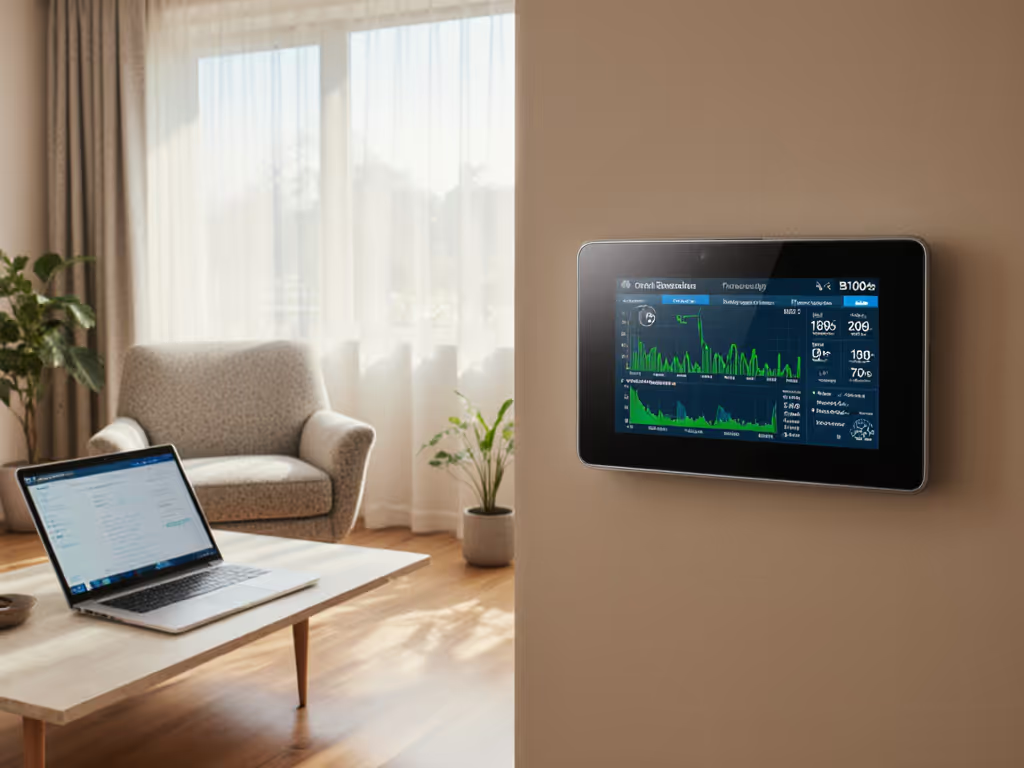
- May enable lower-resolution cloud logging for energy tracking
However (and this is crucial), vacation mode does not disable the thermostat's core safety interlocks (compressor lockout, auxiliary heat stages, or reversing valve logic). Nor does it prevent you from manually adjusting temperature via the app or in-home hardware.
Many homeowners assume vacation mode is a "set it and forget it" lockdown. It isn't. It's a scheduled convenience that still requires an override pathway if conditions worsen. For deeper control of vacation holds and irregular schedules, see our advanced scheduling guide.
Can I Override My Thermostat During Vacation?
Q: If I'm on vacation and I realize my house is freezing, can I turn on more heat right now?
A: Yes, provided the thermostat is wired and configured correctly. Here's the decision tree:
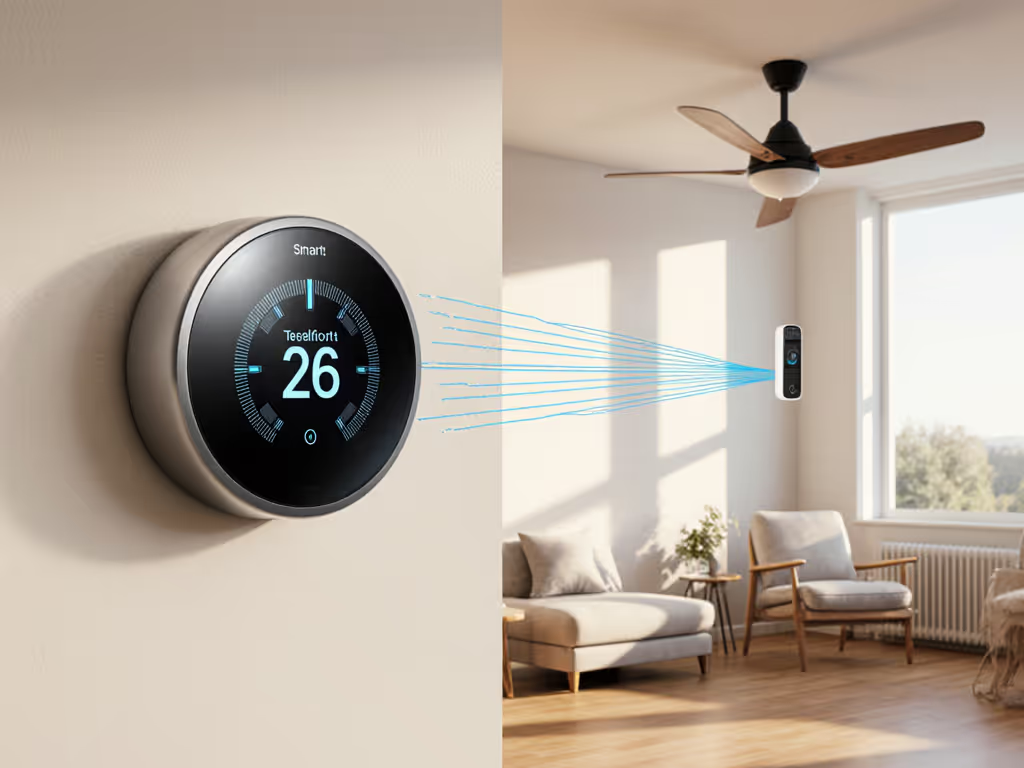
If your thermostat has Wi-Fi and an app: You can remotely increase the setpoint, boost the fan, or cycle the system manually from anywhere. Cloud connectivity means you're never truly locked out. Most smart thermostats support this natively.
If your thermostat lost Wi-Fi: Manual in-home buttons or a keypad still allow adjustment. If nobody is home, you'll need a trusted neighbor or professional service call.
If your thermostat is stuck in an unsafe state: This is where wiring safety matters. If the device has been wired incorrectly (e.g., W terminal (heat call) mixed with AUX terminal (auxiliary heat)), the override might engage the wrong stage or overheat the home. On a service call, a homeowner discovered that a previous installer had tied W2 (second-stage heat) directly into AUX on a dual-fuel setup. When the smart thermostat software updated, it short-cycled the furnace and the remote override command made things worse, not better. The fix required documenting the board, labeling each conductor by hand, and installing a proper jumper and outdoor sensor logic. Only then did override commands restore confidence.
The lesson: document your wiring before removal (before you install any smart thermostat) so you know exactly what override will do.
What If My Thermostat Loses Internet During Vacation?
Q: My thermostat went offline on day 3 of my vacation. Can I still control the temperature?
A: This depends on fallback design:
- Most modern smart thermostats hold the last-known setpoint and continue cycling heating/cooling locally. The system doesn't stop working; it just can't respond to app commands until Wi-Fi returns.
- If someone is home, they can adjust the thermostat directly using its physical buttons or display.
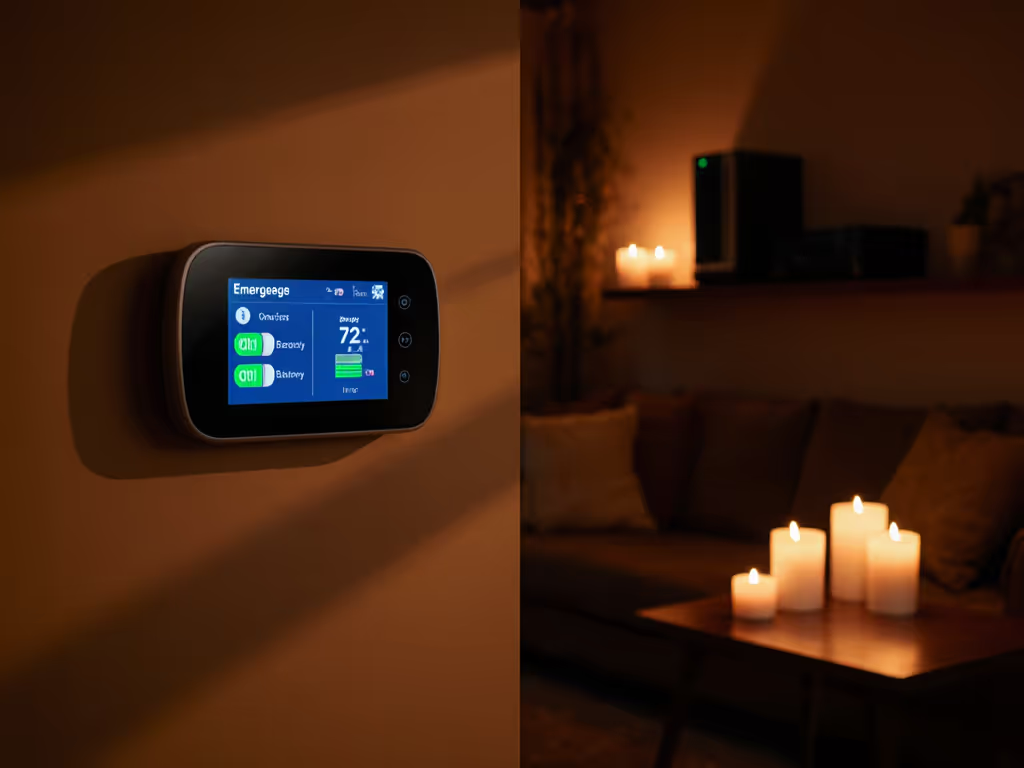
- If nobody is home and it truly malfunctions, you're dependent on a backup override, either a remote that works over cellular or a neighbor with in-home access.
Risk flag: Do not assume cloud connectivity is mandatory. Test offline behavior before leaving. See which models keep working without internet in our offline-capable thermostats comparison. Power on the thermostat for 2 to 3 minutes without Wi-Fi; confirm it enters local-only mode and maintains the setpoint without errors.
How Does Alarm System Integration Help?
Q: Should my thermostat be integrated with my home security system?
A: Yes, and here's why. Thermostat alarm system integration can trigger alerts if:
- Temperature drops below a safety threshold (e.g., 45°F) during winter, signaling a heating failure
- Temperature rises above safe limits (e.g., 92°F) during summer, signaling an air conditioning failure
- The thermostat itself becomes unreachable or reports an error code
When integrated properly:
- Your security panel sends a text or push notification to your phone
- You can escalate to a service technician or trusted contact
- Some systems automatically dial a monitoring center, which attempts remote troubleshooting
This is not a replacement for manual override, but it's a critical early-warning system. For automation that changes setpoints when your system is armed or disarmed, review thermostats with security system integration. Many homeowners discover HVAC failures weeks into vacation when they receive a high utility bill, not during the trip when they could have acted.
Emergency Override and Demand Response: Can I Opt Out?
Q: If my utility runs a demand response event during my vacation, can the thermostat override those limits remotely?
A: This is where home safety climate protocols and contract terms collide. Demand response works by temporarily raising cooling setpoints or lowering heating setpoints during peak demand. Understand the technical details and your control options in our demand response thermostat guide. For example, your air conditioner might jump from 72°F to 78°F for 1 to 2 hours. Most utility programs allow you to opt out or override at any time, but:
- Override often means a penalty or disqualification from that month's rebate
- Some programs require manual confirmation via app or phone; others disable automatically
- A few aggressive programs lock the thermostat remotely, requiring the utility to unlock
Risk flag: Before enrolling in any demand response program, confirm in writing that:
- You can override with a single app tap, anytime
- Override during vacation is permitted without penalty
- The thermostat itself cannot be remotely locked by the utility
If you cannot receive clear, written confirmation, do not enroll. Your home's safety (pipe freeze risk, mold from humidity, or heat pump damage from overly aggressive cycling) always trumps utility incentives.
What Wiring Configurations Threaten Safe Override?
Q: Does the way my thermostat is wired affect how well emergency override works?
A: Absolutely. Power off at the breaker; label wires before you touch anything. Improper wiring can make override ineffective or dangerous. If you're unsure, compare DIY vs pro thermostat installation steps before proceeding.
Common wiring errors that impair override:
| Error | Impact | Fix |
|---|---|---|
| C wire missing; adapter starves 24V | Thermostat powers off; no override possible | Install standalone C wire from furnace common; do not splice into R |
| W and W2 reversed | First stage doesn't engage on override | Verify furnace board diagram; trace both heat stages to control board |
| O/B valve wire swapped | Heat pump reverses to cooling mode on override | Document the heat pump's reversing valve wiring; confirm O (heating) vs B (cooling) polarity |
| Y and Y2 mixed on multi-stage AC | Override boosts only one compressor stage; system can't meet demand | Confirm compressor contactor wiring at air handler; ensure Y terminal prioritizes first stage |
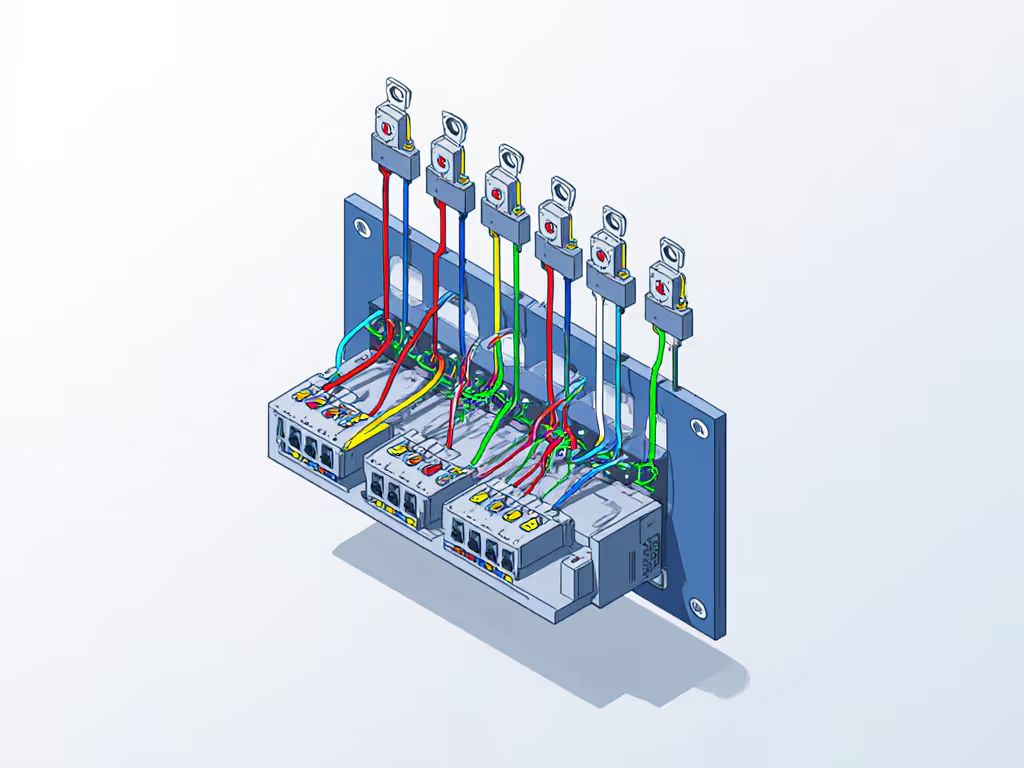
Each wire terminal (R power, C return, W heat, Y cool, G fan) serves a specific function on your furnace or air handler. If they're swapped, the thermostat's logic can't route override commands safely.
Before you install any smart thermostat, document your existing board and label each wire. You'll catch errors before power-up.
How Do I Test Emergency Override Before Vacation?
Q: I want to ensure my remote override works before I leave. What's a safe test?
A: Follow this pre-trip checklist:
- Power off at the breaker. Wait 5 minutes. Label your existing wires with tape and marker if not already done.
- Install the new thermostat per the manufacturer's photo-guided steps. Do not skip the wiring diagram or assume terminal names match your old unit.
- Power on. Confirm the display shows "System Active" and connected to Wi-Fi (if applicable).
- In-home override test: Raise the heating setpoint 5 degrees above room temperature. Listen for the furnace to kick on within 30 seconds. This confirms W (heat) signal works locally.
- Fan test: Switch to "Fan Only." Confirm the blower runs for 10 seconds. This confirms G (fan) signal works.
- Remote override test (if on Wi-Fi): Open the app from your phone in another room. Adjust the setpoint down 3 degrees. Wait 10 seconds. Confirm the furnace cycles off. Adjust back up. Confirm furnace restarts. Make a quick note of the successful adjustments.
- Cool mode (if applicable): Repeat fan and setpoint tests for air conditioning.
Risk flag: If any test fails, no furnace response, wrong stage engages, or fan doesn't stop, do not leave for vacation. Isolate the problem by reviewing the wiring diagram and control board documentation. Do not guess.
Smart Home Home Automation and Vacation Safety
Q: I have HomeKit/Google/Alexa routines that run during the day. How do I ensure they don't interfere with vacation mode?
A: Smart home home automation routines can accidentally override your vacation setpoint or trigger unexpected cycling. Before vacation:
- Disable occupancy-based automations: Any routine that adjusts temperature based on presence detection should be paused during vacation mode.
- Confirm time-based routines are compatible: If a routine raises temperature at 6 AM "to prepare before wake-up," it will execute even if you're not home. Some apps let you add a condition: "only run if people are home." Enable this.
- Test one scenario end-to-end: Manually activate vacation mode; wait 2 hours; confirm no automations override the setpoint.
- Mute or silence notifications during vacation if you don't want every cloud event pinging you.
- Have a manual fallback: Identify one trusted household member who can access the app locally (not cloud-dependent) in case your device becomes unreachable.
Summary and Final Verdict
Smart thermostat vacation safety hinges on three foundations:
- Safe, compatible wiring ensures override commands reach the correct equipment stage.
- Accessible emergency override (via app, physical button, or cellular link) guarantees you can react if conditions worsen.
- Tested fallback logic (local-only mode, security integration, or neighbor access) protects your home if the internet fails.
Before you leave for vacation, invest 30 minutes in a pre-trip safety checklist:
- Photograph your furnace board and thermostat wiring to document the original configuration.
- Test in-home and remote override with actual setpoint changes.
- Confirm your security system or utility program will alert you to temperature extremes.
- Disable automations that might conflict with vacation mode.
Vacation safety is not glamorous, but it pays dividends. A thermostat that prioritizes compatibility and safety (not flashy learning or aggressive energy curves) will serve you reliably for years. And when you're 1,000 miles away and a freeze warning appears on your phone, you'll sleep better knowing you have real, tested control.
Related Articles