Control Your Utility Demand Response Thermostat
By Priya Nandakumar • 4th Dec
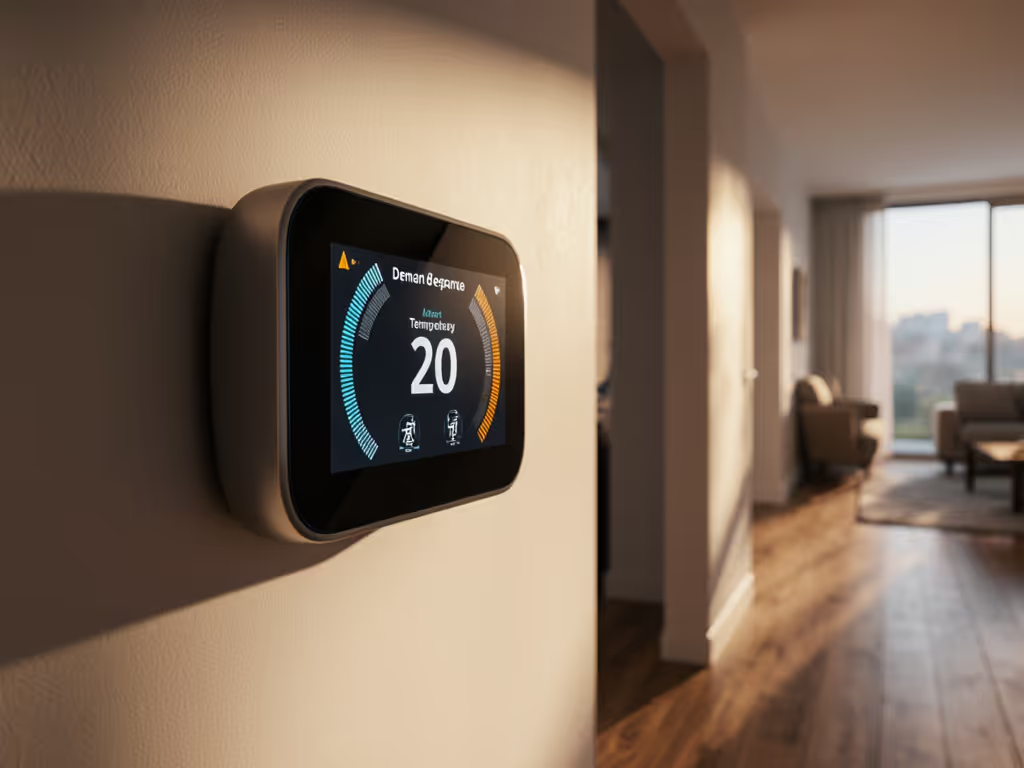
When your utility demand response thermostat receives a signal from national grid smart thermostat programs, it adjusts heating or cooling setpoints during peak energy events. This isn't magic, it's a carefully engineered compatibility dance between your HVAC system and the grid. As a former HVAC technician who's corrected countless miswired setups, I know one truth: if the terminals don't match your equipment, even the smartest thermostat becomes a paperweight. Let's cut through the confusion with a wiring-first approach. For a plain-language overview of how thermostat events support the grid and what you control, read our demand response guide.
What Exactly Happens During Utility Energy Events?
Demand response events are pre-arranged signals your utility sends when regional energy demand spikes (typically 4-7 PM on extreme-weather days). Your thermostat responds by:
- Summer events: Raising cooling setpoints 1-3°F (e.g., 72°F → 75°F)
- Winter events: Lowering heating setpoints 1-3°F (e.g., 70°F → 68°F)
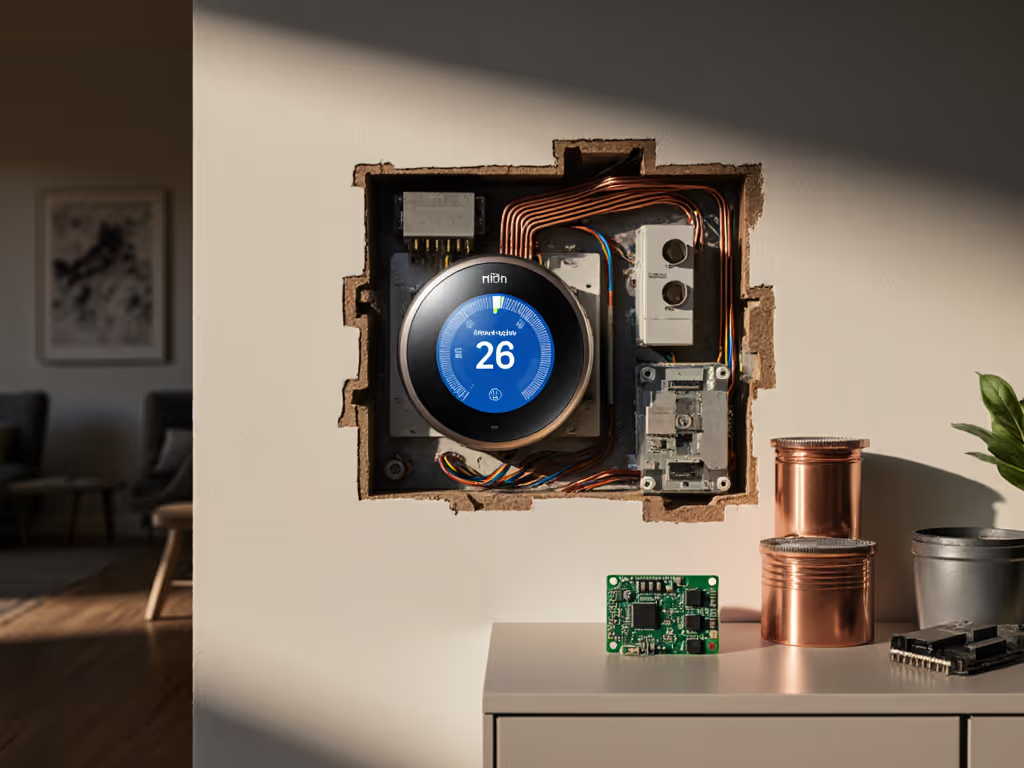
But here's what most guides don't clarify: Your HVAC system's wiring determines whether this works safely. During one service call, I found a homeowner had tied the W2 terminal into AUX on a dual-fuel heat pump after a "smart" upgrade. The result? A furnace short-cycling so violent it tripped safety locks every 90 seconds. We photographed the control board, labeled every conductor, and corrected it with a proper outdoor sensor jumper. Heat stabilized instantly. Compatibility beats guessing every time.
Power off at the breaker; label wires before you touch anything.
Why Your Specific HVAC Type Changes Everything
Not all grid-responsive HVAC control systems react the same to demand response signals. Your wiring diagram holds the answer:
| HVAC System Type | Critical Terminals | Demand Response Risk | Compatibility Fix |
|---|---|---|---|
| Single-stage heat pump | Y, O/B, G, C | Reversing valve confusion | Verify O/B polarity before enrollment |
| Dual-fuel (gas + heat pump) | W2, AUX, O/B | Auxiliary heat overuse | Requires separate outdoor sensor input |
| Gas furnace + AC | W, Y, G | Short-cycling | Set minimum run times > demand event length |
| Boiler/radiant | W, C | No cooling capability | Ensure program excludes summer events |
Critical risk flag: Misidentifying O/B (reversing valve) in heat pumps can force simultaneous heating/cooling during events (a $500 board killer). Peak load management thermostat programs require dead-on wiring matches.
"Can I Override During Events?" (Your Top Safety Concern)
Yes, but only if your thermostat honors safety protocols. Reputable programs like Mass Save's ConnectedSolutions build in:
- 15-minute override windows: Tap your screen to temporarily restore your setpoint
- Full opt-out buttons: Disable event participation for 24 hours via app or thermostat
- Temperature hold limits: Prevents setbacks beyond safe equipment thresholds (e.g., no 40°F winter holds)
Here's what matters: Cheap thermostats may ignore these limits, risking frozen coils or overheated exchangers. Many utilities also pay bill credits for qualified smart thermostats; check our utility rebate guide to see what's available. Always confirm your model's demand response settings include thermostat load shifting safeguards like:
- Compressor lockout timers
- Defrost cycle priority overrides
- Minimum indoor temperature floors
Your Wiring Compatibility Checklist (Do This First!)
Before enrolling in any program, validate your system's readiness. No professional? Use this photos-first approach: If you're unsure whether to DIY or hire a pro, see our DIY vs pro wiring complexity guide.
Tools needed: Phone camera, multimeter, wire labels, manufacturer wiring diagrams
- Identify your HVAC type (critical for heat pump vs. dual-fuel):
- Gas furnace + AC: Look for separate gas valve and condenser
- Heat pump: Single outdoor unit with refrigerant lines
- Dual-fuel: Heat pump + small gas furnace (often labeled "HYBRID")
- Check thermostat wiring (power OFF at breaker!):
- Verify C-wire presence (24V common) (non-negotiable for most demand response thermostats)
- For heat pumps: Confirm O/B wire is correctly polarized (orange = cooling, blue = heating typically)
- Dual-fuel systems: Ensure W2 and AUX are separate terminals (never jumpered)
- Match features to terminals, not to marketing promises. Example:
- If your system has no C-wire, avoid thermostats requiring constant power (they'll drain batteries during events)
- If you have O/B confusion, demand response may misfire, so fix wiring before enrollment
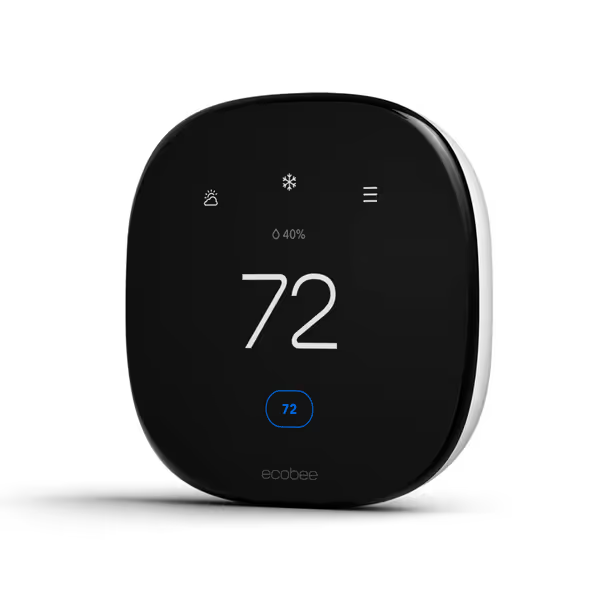
ecobee Smart Thermostat Enhanced
Smart thermostat for effortless savings and personalized comfort control.
$169.99
HVAC Compatibility90% of 24VAC systems (2H/2C Conventional, 3H/2C Heat Pump)
HVAC Compatibility90% of 24VAC systems (2H/2C Conventional, 3H/2C Heat Pump)
Pros
Saves up to 26% on heating/cooling costs annually.
Includes Power Extender Kit for C-wire-free installation.
Seamlessly integrates with Siri, Alexa, and Google Assistant.
Cons
Smart home platform compatibility can be inconsistent for some.
Customers find the thermostat easy to use and program, with a friendly user interface and straightforward wiring. They appreciate its temperature control features, including the ability to change temperatures via cell app, and consider it a fantastic product that saves money. The app functionality receives positive feedback for being user-friendly and full of features. Functionality and compatibility receive mixed reviews - while some say it works well with Alexa and HomeKit, others report it doesn't work properly and isn't compatible with their HVAC systems.
Customers find the thermostat easy to use and program, with a friendly user interface and straightforward wiring. They appreciate its temperature control features, including the ability to change temperatures via cell app, and consider it a fantastic product that saves money. The app functionality receives positive feedback for being user-friendly and full of features. Functionality and compatibility receive mixed reviews - while some say it works well with Alexa and HomeKit, others report it doesn't work properly and isn't compatible with their HVAC systems.
The Safe Installation Path: No Guessing Allowed
My 12-year technician rule: Never assume terminal labels match your old thermostat. During one audit, I found a homeowner had wired Rc to Y, a latent hazard waiting for a demand event to trigger. Execute this:
Step 1: Document Everything
- Photograph control board with wires attached before removal
- Note colors at each terminal (R, C, W, Y, G, O/B, AUX)
Step 2: Validate Compatibility
- Use the manufacturer's online wiring checker (e.g., ecobee's compatibility tool)
- Reject systems claiming "90% compatibility", your heat pump isn't a statistic
Step 3: Configure Safely
- Enable only demand response settings matching your wiring diagram
- Set minimum run times > event duration (e.g., 15 mins for 10-min events)
- Disable learning algorithms during events, they'll fight utility signals To understand which models actually learn well when events aren't running, compare options in our learning thermostat roundup.
Power off at the breaker; label wires before you touch anything.
Final Verdict: Control Through Knowledge, Not Compromise
Demand response programs can save 10-20% on peak energy costs, but only if your thermostat wiring aligns with your HVAC's native logic. That homeowner with the miswired W2/AUX connection? He'd saved $30/year but risked $1,200 in furnace repairs. Your move: Audit your wiring before enrollment. Prioritize thermostats with:
- Explicit wiring diagrams for your exact system type
- Manual override guarantees during events
- No forced learning modes that override demand signals
The smartest utility demand response thermostat isn't the flashiest, it's the one that never asks you to compromise compatibility for features. Verify your terminals, protect your equipment, and you'll harness grid-responsive savings without sacrificing safety. When in doubt? Call a technician who speaks fluent R, C, W, Y, G, not just app icons.
Related Articles