
Thermostat Precision Testing: Temperature Stability Compared
By Mateo Alvarez • 23rd Feb
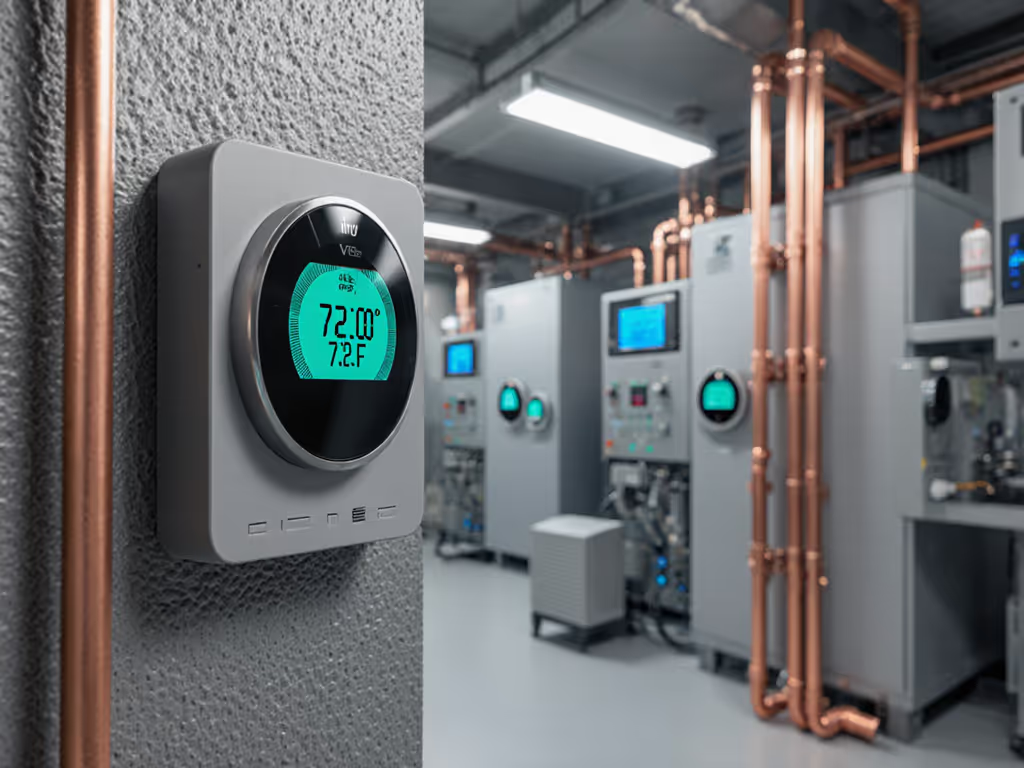
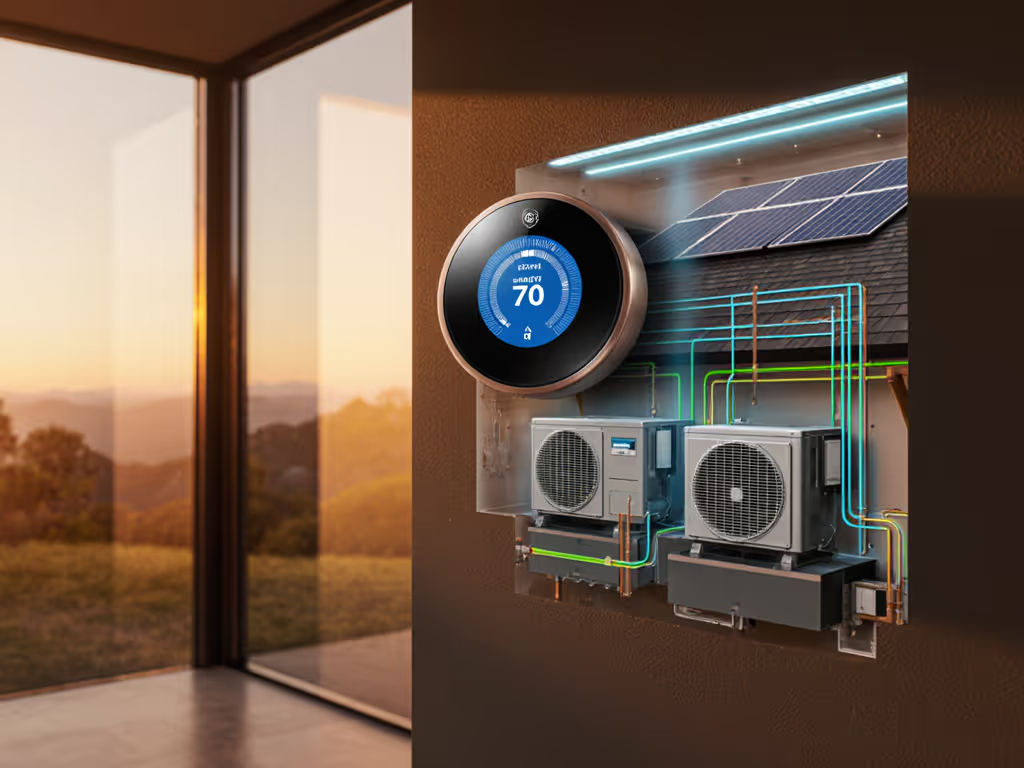
Temperature stability comparison and thermostat precision testing reveal why two thermostats on identical HVAC systems can produce radically different comfort and energy outcomes. The difference isn't always marketing (it's rooted in how each device measures temperature, sets deadbands, and responds to load shifts), and whether those behaviors are transparent enough for homeowners to predict their own savings and comfort.
What Temperature Stability Actually Means
Temperature stability isn't about absolute accuracy; it's about consistency and predictability. A thermostat that reports 71.2°F when it's really 71.0°F is arguably less problematic than one that oscillates between 70.5°F and 71.8°F without explanation. The oscillation drives equipment cycling, wears compressors faster, and creates phantom comfort complaints ("The house feels cold at 8 PM, then hot at 8:15") that confuse homeowners and discourage them from adjusting setpoints downward during time-of-use rate windows. For rate-specific configuration guidance, see our Time-of-Use thermostat picks and setup tips.
Industry research confirms that thermostat placement and measurement methodology significantly affect real-world performance. For lab-tested measurement reliability, compare our thermostat sensor accuracy findings. When a retrofit thermostat was repositioned from a hallway to a central room with an optimal setpoint of 21°C (70°F), energy savings reached 7% compared to baseline consumption, with payback periods ranging from less than one year to two and a half years depending on the embedded control algorithms[2]. That variation matters: it means two homes running identical thermostats can see vastly different returns if one has a corner location in a drafty hallway and the other sits in a balanced central wall.
The Challenge: No Universal Testing Standard
Unlike air conditioners or refrigerators (which face standardized Department of Energy testing), thermostats have no agreed-upon performance assessment methodology[1]. One manufacturer might simulate setpoint behavior under typical user patterns in a virtual home; another might field-test hardware and average observed savings relative to pre-retrofit billing; yet another might rely on laboratory cycling tests that ignore real-world occupancy and behavioral drift.
This fragmentation creates a credibility problem. When a thermostat claims "10% energy savings," the underlying assumptions (baseline temperature, occupancy pattern, climate zone, HVAC system type, and whether the figure includes demand response events or only base load) remain hidden. That's why comparing thermostats requires asking harder questions than checking star ratings. To see which models meet certification metrics in practice, review our ENERGY STAR smart thermostat comparison.

Behavioral Versus Non-Behavioral Performance Drivers
Energy Star's framework for comparing thermostats separates two independent performance sources[1]:
Behavioral attributes center on setpoint choices: how many degrees below comfort does a household push during absences or sleeping hours, and how consistently do they maintain those choices? A family that automatically reduces setpoint by 8°F from 11 PM to 6 AM during winter generates cumulative savings (and that behavior is user-driven, not device-driven). The thermostat can encourage or frustrate the behavior, but it doesn't create it.
Non-behavioral attributes include HVAC control strategies (multi-stage staging, compressor protection delays, auxiliary heat lockout during heat pump operation) and built-in fault detection logic. These are purely device-side; a thermostat either implements them or doesn't, regardless of user choices.
Most thermostats compete on non-behavioral tuning. A device that enforces a 15-minute lockout before engaging auxiliary heat during a heat pump defrost cycle reduces short-cycling and unnecessary expense without asking the homeowner to change habits. Similarly, a thermostat that widens its deadband optimization (the temperature band between heating and cooling setpoints) can reduce runtime without visible comfort loss. Setting cooling to 76°F and heating to 68°F instead of 72°F alone cuts HVAC operation; expanding that gap further minimizes overlap and short-cycling.
Measuring Real-World Precision: The Payback Lens
Field studies offer the most honest picture of precision benefits. Researchers calibrated a detailed building simulation model, then tested different thermostat placements and setpoints in a real dwelling. The "as-is" scenario established thermal comfort (measured as percentage of rooms in comfort over time) and calculated a simplified payback period:
PB = Cost of retrofit / (Annual baseline heating cost - Annual retrofit heating cost)
In the case study, optimal placement and a 21°C setpoint delivered 7% energy savings and a payback of one to two and a half years[2]. The range reflects uncertainty in annual heating costs and the embedded algorithms' ability to minimize short-cycling (exactly the transparency an ROI-driven homeowner needs).
Notably, the payback varied more based on where the thermostat was installed and which setpoint rule was applied than on brand. This aligns with a core principle: minimize temperature fluctuations by matching sensor placement to the home's thermal mass and occupancy patterns. A thermostat in a sun-exposed room will read higher in morning and lower in evening, tricking the equipment into false on/off cycles. A thermostat in a central, passive zone reads the home's average more faithfully.
Scenario: Comparing Precision Under Time-of-Use Rates
Precision testing becomes urgent when homeowners enter demand response or time-of-use (TOU) programs. If you’re considering utility events, read our demand response guide to understand overrides and comfort trade-offs. Here's a practical comparison:
Scenario: Winter, TOU rate window 4-9 PM (high), temperature setpoint 68°F during peak, 65°F off-peak
| Thermostat Profile | Deadband | Peak Setpoint Stability | Off-Peak Compliance | Outcome |
|---|---|---|---|---|
| Narrow deadband (±0.5°F) | 68-65°F | Precise; equipment cycles frequently 4-9 PM to hold 68°F | Complies; holds 65°F 9 PM-4 PM, minimizing baseline cost | Higher peak-demand charges; frequent short-cycling |
| Moderate deadband (±1.5°F) | 67.5-68.5°F during peak, 64-66°F off-peak | Equipment allows swing; fewer cycles | Complies; slight drift above 65°F near 9 PM window closing | Balanced; reduced short-cycling cost offsets slightly looser control |
| Wide deadband (±2.5°F) | 67-69°F peak, 63-67°F off-peak | Relaxed; fewer short cycles but temperature drift near window edges | May drift toward 67°F near end of off-peak; extends pre-cooling need | Lowest runtime; highest risk of setpoint creep into peak window |
The "best" thermostat for TOU savings isn't the one with the narrowest deadband (it's the one with transparent, adjustable deadband settings and clear notifications when you're approaching the rate window). Test the override in daylight: can you manually widen or tighten the deadband, and do you see a confirmation on the screen or in the app?
HVAC Cycling Reduction: The Hidden ROI
One of the least-understood precision metrics is HVAC cycling reduction. When a thermostat oscillates temperature setpoint (or drifts due to poor sensor placement), the furnace or compressor cycles on and off more frequently than necessary. Each cycle consumes energy just to reach operating speed and pressure; shorter, more frequent cycles waste a portion of that startup energy.
Research indicates that behavioral setback strategies (dropping temperature 7-10°F for 8 hours daily) can yield approximately 10% annual savings on heating and cooling[5]. However, that figure assumes the setback is stable and doesn't trigger aggressive rebound heating. A thermostat with poor temperature stability might achieve only 3-4% because equipment overshoots during morning warm-up, wasting the overnight savings.
Precision testing should measure not just final temperature but runtime per degree of setpoint change. A device that hits a target setpoint in 45 minutes with minimal overshoot outperforms one needing 90 minutes or exceeding the target by 1.5°F and triggering corrective cool-down.
Choosing a Thermostat with Verified Precision
Enroll smartly: incentives matter, but override must be obvious. When evaluating thermostats for precision, gather these clear assumptions before purchase:
- Sensor location and its thermal mass. Is the thermostat exposed to direct sunlight, ductwork drafts, or wall radiation? Ideally, it sits in a central, interior wall.
- Deadband range. Can you adjust the heating/cooling separation (e.g., heat at 68°, cool at 72°)? Is the range wide enough for TOU pre-cooling without setpoint creep during peak windows?
- Cycling behavior under load. Does the manufacturer publish runtime data or cycling frequency under laboratory or field conditions? If not, ask for field study references.
- Setpoint accuracy and drift over time. What's the stated sensor accuracy (±1°F is typical), and does it degrade after 1-2 years?
- Transparency of control logic. Can you export setpoint schedules or view the device's decision log? Local, exportable data signals a manufacturer confident in their precision.
- Demand response behavior. If you enroll in a utility program, can you manually override the event setpoint with one tap, and does the device confirm the override?
Practical Testing Before Commitment
If you're installing a new thermostat, run a two-week precision test before committing to demand response enrollment:
- Set your desired temperature and leave it fixed for three days. Log the actual room temperature (use a separate, calibrated sensor) every two hours. The variance should be ±1°F 95% of the time.
- Reduce setpoint by 2°F and measure how long the equipment runs and how far temperature dips before rebound heating engages. Note any overshoots above your target.
- Test the manual override during a hypothetical demand response window: can you raise setpoint immediately, and does the app show a confirmation without delay?
These steps reveal whether precision is in the hardware (good sensor placement, tight deadband) or software (smart pre-cooling logic, geofencing accuracy). Combined with your utility's rebate list and program terms, they answer the one question that matters: Will this device save me money and keep me comfortable without trapping me in hidden settings?
Temperature stability testing transforms thermostat comparison from brand preference into measurable ROI. When you know the payback ranges, the cycling behavior, and the override simplicity, you enroll with confidence.
Related Articles