Power Outage Thermostat Comparison: Top Picks for Home Batteries
By Aiko Tanaka • 17th May
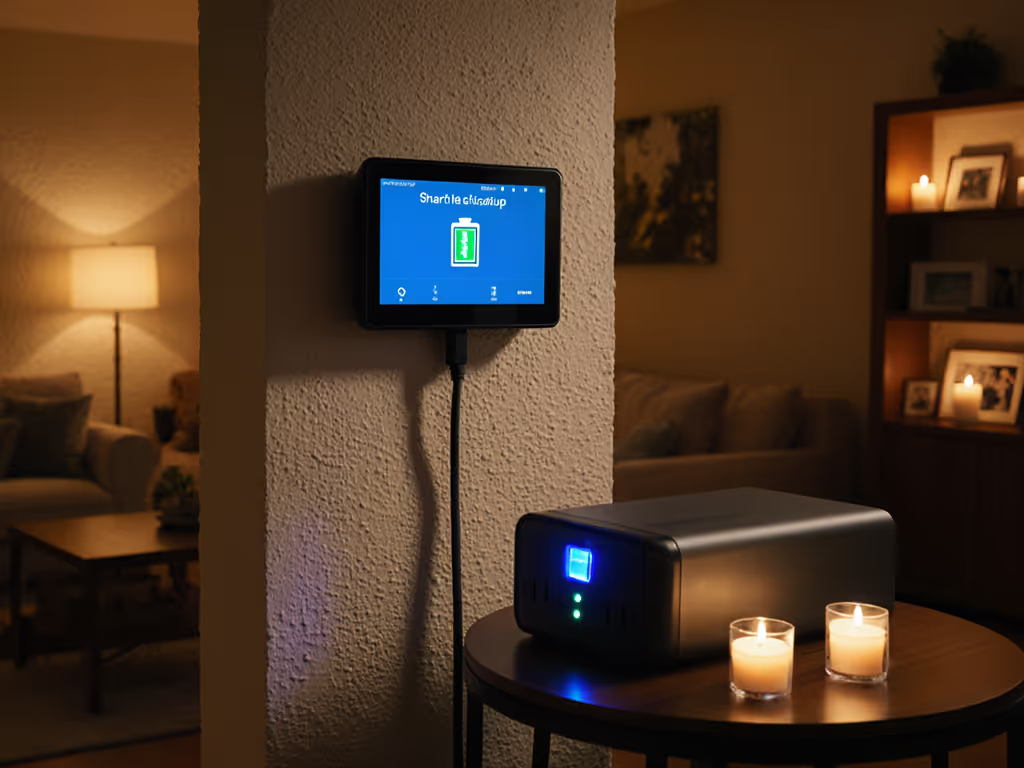
A power outage thermostat comparison only makes sense if you first map what actually has power when the grid goes down. Once you bring home batteries or a furnace UPS into the mix, the real question becomes battery backup thermostat integration: which thermostat keeps schedules, protects your equipment, and still gives you meaningful control when both the grid and the cloud are flaky?
I design systems starting from the failure modes. Local first, cloud optional (comfort shouldn't hinge on an outage). See our thermostats with robust offline control for model picks that keep working when the internet doesn't.
Below, I'll walk through the outage behaviors of popular thermostat types, how they interact with home batteries and UPS setups, and which features really matter if you care about resilience as much as comfort.
What actually fails in a power outage? (Dependency map)
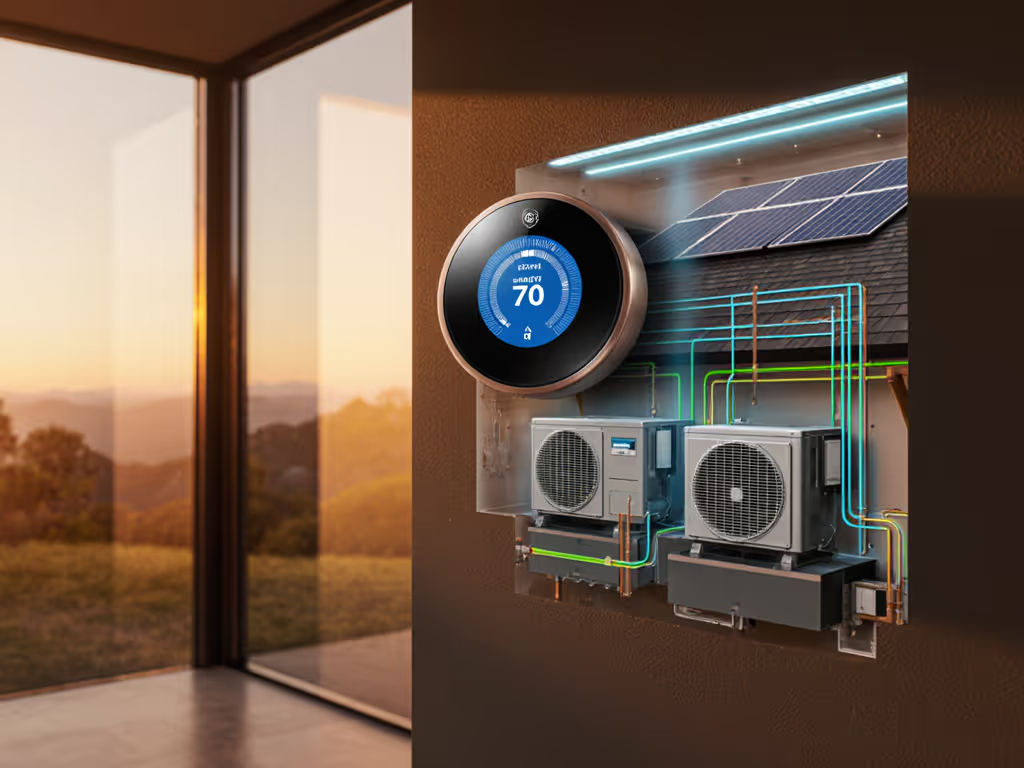
Before we compare models, we need a dependency diagram. For heating or cooling to work, the chain usually looks like this:
- Grid power or home battery / generator
- Main panel → backed-up circuits (if you have a battery or subpanel)
- Furnace / air handler / boiler / heat pump (24V transformer lives here)
- Thermostat (powered by 24V, sometimes with internal batteries)
- Network gear & hubs (router, Wi-Fi AP, HomeKit/Matter/other hubs)
- Cloud services (vendor servers, voice assistants, utility integrations)
When comparing thermostats for outages, the key question is: If the WAN dies, what still works?
A few practical implications:
- If the 24V transformer is dead (because the furnace/air handler isn't on the battery-backed circuit), no thermostat - smart or dumb - can call for heat or cooling.
- If the 24V transformer has power but Wi-Fi/Internet is out, a good thermostat should still:
- Run schedules
- Maintain setpoints and safety limits
- Let you control it from the wall and, ideally, via local LAN (HomeKit, local API, etc.)
- If only the thermostat loses power (no batteries and no C-wire), you'll lose clock/schedules and sometimes safe limits.
That's why offline thermostat performance is just as important as app features.
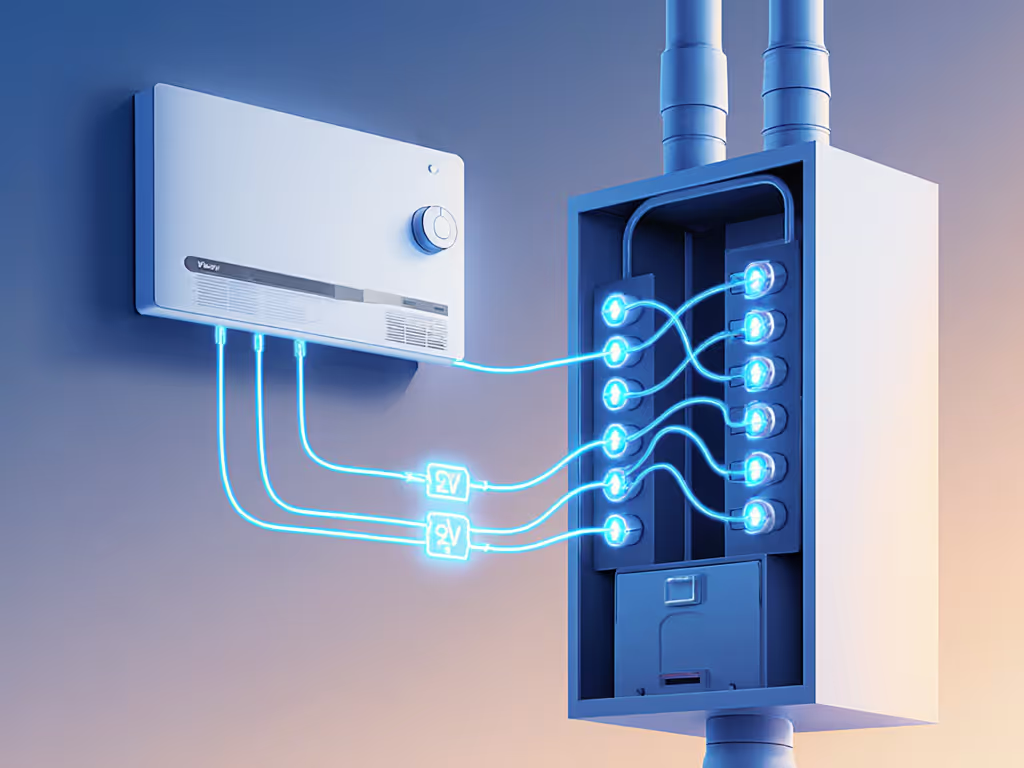
Do smart thermostats still work when Wi-Fi or cloud is down?
Short answer: many do, but they're not equal. Let's group them by behavior.
1. Cloud-first smart thermostats (Nest and similar)
Examples (conceptual group):
- Google Nest Learning Thermostat
- Many utility-branded Wi-Fi stats
Typical behavior when Wi-Fi/Internet is out but 24V power is on:
- Still works as a basic thermostat: it can heat/cool to the setpoint.
- Schedules: usually stored locally, so they still run.
- Geofencing, remote app control, utility programs: stop working until cloud access is back.
- Presence/"learning" optimizations: often degrade, because the cloud does a lot of the processing.
These can be fine on a battery-backed home if you're comfortable walking up to the wall during outages and don't rely on cloud features for safety.
2. Local-capable smart thermostats (strong offline logic)
Examples (typical behaviors for this class):
- ecobee smart thermostats
- Honeywell/Resideo T9/T10 smart thermostats
- Some pro-focused thermostats with local APIs or Z-Wave/Zigbee/Matter
When Wi-Fi/Internet is out but HVAC power remains:
- Schedules run locally and are usually editable from the wall unit.
- Safety limits (e.g., min/max temperatures) remain enforced.
- Remote sensors continue to work if they're radio-linked directly to the thermostat (not via cloud).
- With HomeKit or local integrations, you can often still control the thermostat from your phone on the LAN if your router and hub are on battery.
This group is where outage-focused homeowners get the best blend of smart features and resilience.
3. Classic programmable (non-connected) thermostats
These are still undefeated for pure local reliability:
- No app, no cloud, no Wi-Fi - just a local schedule in non-volatile memory.
- Usually powered by batteries + 24V or by 24V only.
- If your furnace/boiler/air handler is on the battery-backed panel and you have a modest furnace UPS coordination plan, your schedule simply continues as if nothing happened.
They don't integrate with HomeKit/Google/Alexa or Matter, but for emergency temperature maintenance and equipment protection, they're extremely hard to break.
Local vs cloud: which features keep working in an outage?
Here's a simplified local-vs-cloud capability table for typical behavior of major categories. Individual models vary, but this is a useful lens.
| Feature / Condition | Cloud-first Wi-Fi stat | Local-capable smart stat | Classic programmable |
|---|---|---|---|
| Basic heat/cool with 24V power only | ✔️ | ✔️ | ✔️ |
| Schedules run with no Wi-Fi | Usually ✔️ | ✔️ (by design) | ✔️ |
| Change setpoint from phone with Internet down | ❌ (needs cloud) | Sometimes ✔️ (LAN/HomeKit) | ❌ |
| Remote room sensors still used | Sometimes ✔️ | ✔️ (direct RF / local) | N/A |
| Utility demand response still active | ❌ (cloud lost) | ❌ | ❌ |
| Voice control (Alexa/Google/Siri) | ❌ or degraded | Sometimes local/HomeKit | ❌ |
| Data history / insights during outage | ❌ | Often logs locally, syncs later | ❌ |
When you're doing a power outage thermostat comparison, this table is a good checklist: any feature that depends on the cloud is fragile in exactly the moments you care most about reliability.
How does a home battery change the thermostat equation?
With a whole-home battery (or critical-load subpanel), your thermostat resilience comes down to what's actually on the backed-up circuits. For deeper configuration strategies, read our home battery + thermostat optimization guide.
For good battery backup thermostat integration, prioritize backing up:
- Furnace / air handler / boiler (and well pump if applicable)
- Thermostat circuit (usually automatically covered when you back up the air handler)
- Networking core: modem (if applicable), router, Wi-Fi AP in thermostat's zone, and smart home hub (Apple TV/HomePod, Matter controller, etc.)
A few design notes:
- Whole-house vs critical loads: If your battery is only feeding a critical-load panel, make sure all HVAC components you want to run are in that panel: furnace/air handler, outdoor unit (if you'll run AC or heat pump on battery), and the thermostat circuit.
- Short outages vs long events: For <5-minute grid blips, even a small UPS at the furnace can keep the 24V transformer stable so the thermostat doesn't reboot. For hour+ outages, the main battery sizing, not the thermostat, is your limit.
- Wi-Fi and hubs draw very little power: Keeping a router and one smart home hub online during an outage often costs <20W. It's usually worth it to preserve local app control and safe automations.
Architecturally, I treat the thermostat, router, and hub as a single control cluster that should live on the same backed-up power domain as the furnace/air handler. If you rely on a generator, our generator-compatible thermostat guide explains safe load management and recovery behavior.
Do I still need a furnace UPS if I already have a home battery?
Sometimes yes, sometimes no.
You probably DON'T need a separate UPS if:
- Your battery/inverter provides seamless or near-seamless transfer (few tens of milliseconds), and
- Your furnace/air handler and thermostat are on that backed-up panel.
You might STILL want a small UPS if:
- Your inverter has a slower transfer that causes control boards or thermostats to reboot.
- You have sensitive controls (older boiler boards, variable-speed blowers) that misbehave on brownouts.
- You rely on a network controller (Home Assistant box, HomeKit hub, etc.) for critical automations you want to ride through any blip.
Think of a UPS as a smoothing capacitor in the architecture: it doesn't extend runtime much, but it avoids nuisance reboots exactly when your system is switching power sources. For tested runtimes and what features remain during blackouts, see thermostat battery backup survival tests.
Which thermostat features matter most for outage resilience?
When you evaluate outage resilience thermostat features, look beyond marketing and ask how much logic lives on-device.
1. Strong local scheduling & limits
- Non-volatile storage of daily/weekly schedules.
- Configurable minimum/maximum temperatures for both heating and cooling.
- Dual-fuel or heat-pump lockouts (e.g., "don't run expensive electric aux heat above X°F").
This directly supports emergency temperature maintenance: your home will stay within a safe band even if the cloud is gone.
2. Local sensors and presence
- Built-in and remote sensors that talk directly to the thermostat, not only via the cloud.
- Local logic for averaging or prioritizing rooms (e.g., use the nursery sensor at night).
I've seen this matter during a multi-day outage: batteries preserved heat, Thread motion/temperature sensors stayed online locally, and the thermostat kept a tight band in critical rooms while neighbors were stuck with whatever their cloud apps last remembered.
3. Local control paths
- HomeKit or other local integrations that work over your LAN with no cloud.
- For Matter- or Zigbee/Z-Wave-based stats, a local controller (Apple TV/HomePod, Home Assistant, Hubitat, etc.) that's on the same backed-up circuit.
If your router and hub ride the battery, you can still adjust setpoints from your phone even when the ISP is down.
4. Graceful recovery after power return
- Thermostat resumes previous mode and schedule without user intervention.
- Compressor short-cycle protection and delay timers survive brief power interruptions.
- Logs and data sync after connectivity is restored (without losing local history).
These protect your compressor and blower motors from rapid cycling when your home battery or generator transitions.
How do different HVAC types behave in outages?
Forced-air furnace + AC
- Most forgiving setup for outages with a battery: you can often power just the blower, control board, and thermostat for a modest draw.
- Key is making sure both the indoor unit and thermostat are on the backed-up circuit.
Heat pumps (including dual-fuel)
- In cold climates, aux heat (electric strips) can be a huge load; you may not want those on the battery at all. To minimize aux usage and protect battery capacity, check our heat pump thermostat optimization picks.
- Look for thermostats that offer:
- Aux heat lockout by temperature
- Configurable staging so you don't slam the battery with peak loads.
Boilers and radiant systems
- Usually need only pumps, control board, and thermostat - comparatively modest draws.
- A simple, local-first thermostat works extremely well here; resilience comes more from pumping power than from app smarts.
Ductless mini-splits and multi-head systems
- Many rely on IR remotes or proprietary wall controllers.
- Outage behavior often defaults to the unit's last-known state when power returns.
- If you're using a bridge (IR-to-Wi-Fi), understand that those are nearly always cloud-dependent and fragile in outages.
Line-voltage baseboard
- Smart options (like some Wi-Fi baseboard stats) can keep local schedules, but they are line-powered only - if those circuits aren't on the battery, you have no heat.
- Simpler electromechanical stats here can be extremely robust once powered.
What are your top thermostat approaches for outage-focused homes?
Rather than one "best" device, I recommend patterns matched to risk tolerance and platform preference.
Scenario 1: Smart, platform-integrated, outage aware
Ideal for: homeowners who want app control, HomeKit/Google/Alexa, and utility rebates, but refuse to lose core comfort when cloud or WAN dies.
Look for a thermostat that:
- Stores full schedules and limits locally.
- Lets you change setpoints from the wall without an account.
- Supports local control path (HomeKit, local API, or local Matter binding) so it works even when the vendor's cloud is unreachable.
- Has remote room sensors that connect directly via RF/Thread, not just via Wi-Fi.
Pair it with:
- A battery-backed HVAC circuit.
- Router + smart home hub on the same backed-up power domain.
This is the architecture I install most often: you keep modern conveniences, but when the apps spin, the house still quietly follows its local program.
Scenario 2: Hybrid: smart in main zone, simple stats in critical backups
Ideal for: larger homes, rentals, or mixed systems (e.g., main floor forced air + basement radiant).
Approach:
- Use a robust smart thermostat on the primary system for day-to-day comfort and insights.
- In critical zones (server room, vulnerable plumbing, elderly family member's room), use simple programmable thermostats that:
- Have on-board schedules
- Run entirely on local power
- Are trivial to override in person
During an extended outage, the simple stats act as your last line of defense for emergency temperature maintenance even if networks or clouds become unreliable.
Scenario 3: Maximum resilience, minimal cloud
Ideal for: off-grid or frequent-outage locations; users who value offline thermostat performance over smart features.
Design:
- High-quality non-connected programmable thermostats (or pro-grade stats with all logic local).
- A carefully sized home battery and/or generator dedicated to HVAC and core circuits.
- Optional local automation via a controller that doesn't require cloud sign-in.
You give up voice control and app prettiness during normal days, but you gain a system that behaves identically whether the ISP is healthy or not.
What about air quality and comfort if I'm conserving battery during an outage?
Even with a good thermostat and battery plan, you may choose to limit HVAC runtime during long outages to preserve stored energy. That can mean:
- Stale air in closed-up bedrooms
- Elevated indoor particulates or wildfire smoke infiltration
- More sensitivity for allergy and asthma sufferers
A practical complement is a low-wattage HEPA air purifier that can run efficiently on your backed-up circuits, especially in sleeping areas.
For example, a compact purifier like the Honeywell Allergen Plus Compact HEPA Small Room Air Purifier (HPA125B) is designed for small and medium rooms, using a 3-in-1 HEPA filtration system to capture fine particles (dust, pollen, pet dander, smoke) and an activated carbon filter to reduce odors and VOCs. It's quiet enough for bedrooms and nurseries and can circulate and filter air several times per hour in smaller spaces while drawing far less power than a full HVAC system.
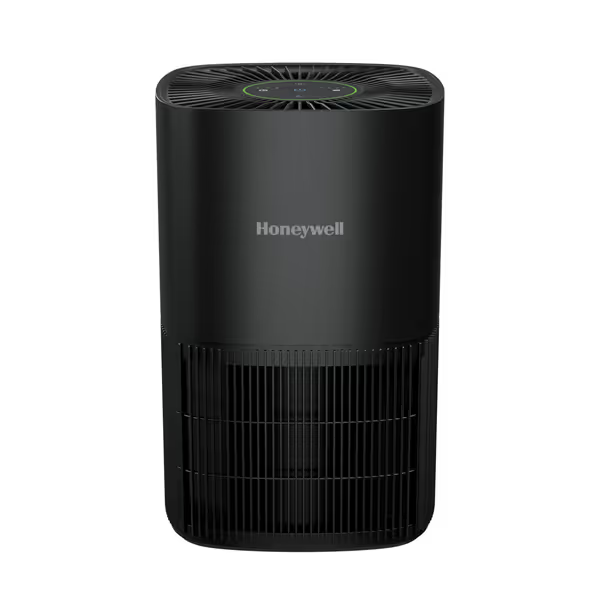
Honeywell Allergen Plus Compact HEPA Air Purifier
Automatic HEPA air purification for small rooms with allergen and odor control.
$99.99
Coverage AreaUp to 530 Sq. Ft.
Coverage AreaUp to 530 Sq. Ft.
Pros
Automatically monitors and adjusts to air quality.
Whisper-quiet sleep mode with dimmable lights.
3-in-1 HEPA filtration captures allergens, odors & VOCs.
Cons
Best suited for small room sizes.
Customers report that the air purifier effectively reduces allergens, dust, and pet dander, leading to improved breathing and air quality in small rooms. Many appreciate its quiet operation, especially in sleep mode.
Customers report that the air purifier effectively reduces allergens, dust, and pet dander, leading to improved breathing and air quality in small rooms. Many appreciate its quiet operation, especially in sleep mode.
This kind of device fits nicely into an outage-resilient architecture:
- Put one purifier in bedrooms where people spend the most time.
- Keep them on the battery-backed circuit, so you can run them even if you're throttling central HVAC.
- Use them on low or auto modes to stretch runtime while keeping indoor air reasonably clean.
Air quality often matters most exactly when you're buttoned up during storms or smoke events. A small, efficient purifier is a good "comfort per watt" upgrade.
How do I sanity-check my setup: "If the WAN dies, what still works?"
Use this quick audit as a weekend project:
- Map power:
- List which HVAC components, thermostat(s), router, and hubs are on your battery or UPS.
- Simulate Internet loss:
- Turn off your modem or block WAN on your router.
- Confirm you can still:
- Adjust thermostat from the wall
- See the correct mode/setpoint
- Rely on schedules to change setpoints at the next programmed time
- If you use HomeKit or a local controller, confirm the app still controls the thermostat over LAN.
- Simulate a brief power blip:
- If you have a separate UPS for HVAC controls, switch it to battery and back.
- Watch for thermostat and furnace/air handler behavior: do they recover gracefully without rapid cycling?
- Document safe settings:
- Record your min/max safe temperatures, heat pump lockouts, and any dual-fuel settings.
- Keep that sheet near the panel and thermostat for quick reference.
This small exercise turns abstract outage planning into concrete knowledge about your own system.
Where to go next
If you're planning a thermostat upgrade or a new home battery, your next steps are:
- Draw your own dependency diagram: grid → battery/UPS → HVAC → thermostat → network → cloud.
- Decide which control cluster (thermostat + router + hub) you want alive in an outage.
- Pick a thermostat whose local capabilities match your comfort and resilience goals, then layer cloud features on top rather than depending on them.
From there, you can dive deeper into specific models that fit your HVAC type, platform (HomeKit/Google/Alexa), and utility programs. But keep that one design question at the center of your decisions:
If the WAN dies, what still works?
Answer that, and you'll have a thermostat and battery setup that's not just smart on good days, but quietly reliable when it matters most.
Related Articles