
Smart Thermostat Electric Heating And Home Energy Management
By Erik Müller • 21st May
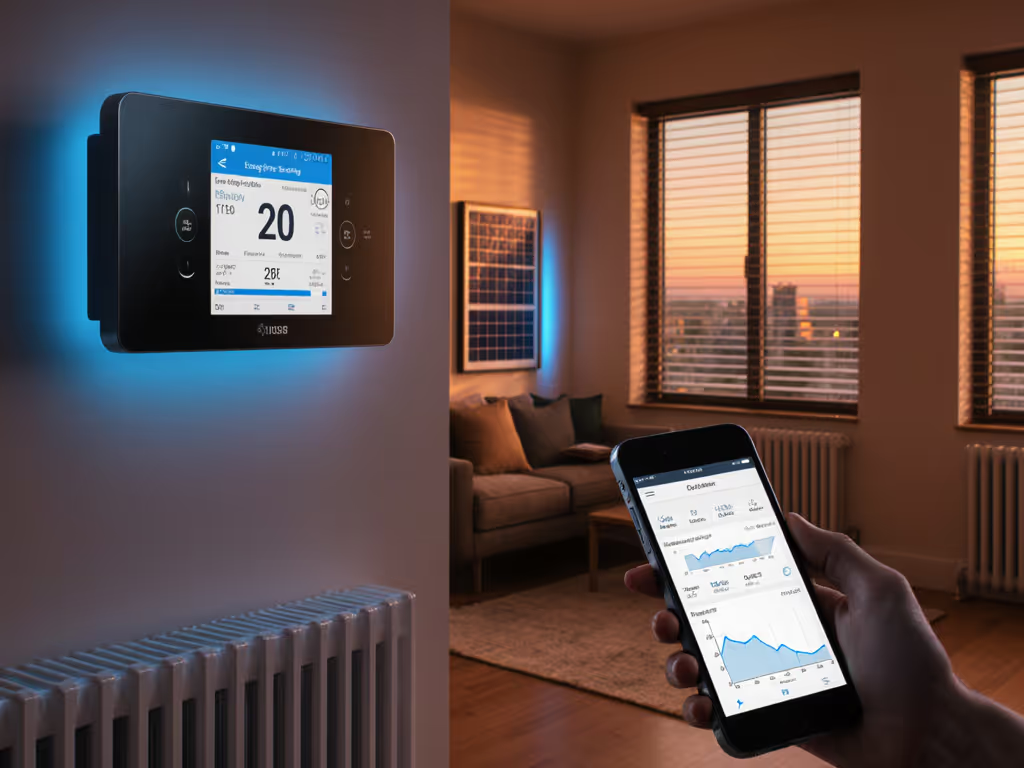
If you're electrifying your home or already relying on smart thermostat electric heating, you're sitting on one of the biggest controllable loads in the house. Paired with integrated home energy management (solar, battery, EV charging, and whole-home monitoring), your thermostat becomes less of a wall gadget and more of a control node for how your entire home spends energy. For a deeper look at whole-home coordination, see our thermostat energy ecosystems guide.
In this guide I'll walk through how different smart thermostat ecosystems handle electric heating and whole-home energy optimization, and compare which paths make sense for different homes. The lens is simple: predictable comfort, clean integration, and verifiable savings.
Comfort is a graph: flat lines, gentle curves, no spikes.
That's how I evaluate thermostats: temperature curves, runtime and duty-cycle charts, and how well they coordinate with room sensors and auxiliary heat.
1. Where Smart Thermostats Fit in Integrated Home Energy Management
A modern home is edging toward a small microgrid:
- Electric heating (heat pump, electric furnace, baseboards, in-floor)
- Cooling (central AC or heat pump in reverse)
- Water heating (often electric or heat pump water heater)
- Rooftop solar
- Battery storage
- EV charger
- Whole-home monitor or smart panel
Your thermostat touches the biggest, most comfort-sensitive load: space conditioning. In an integrated home energy management setup, it plays three roles:
- Comfort controller - Keeps rooms at setpoint without overshoot, drafts, or noisy short cycles.
- Energy gateway - Listens to signals from time-of-use (TOU) rates, utility demand response, or solar/battery status and shifts heating accordingly.
- Data source - Feeds runtime data into your energy picture so you can see what each degree of setpoint actually costs.
For electric heating, this is critical because every kWh you shift has a direct bill impact. A 2-5°F preheat before a peak window, or cutting electric auxiliary heat on a mild day, shows up clearly in both your comfort curve and your bill.
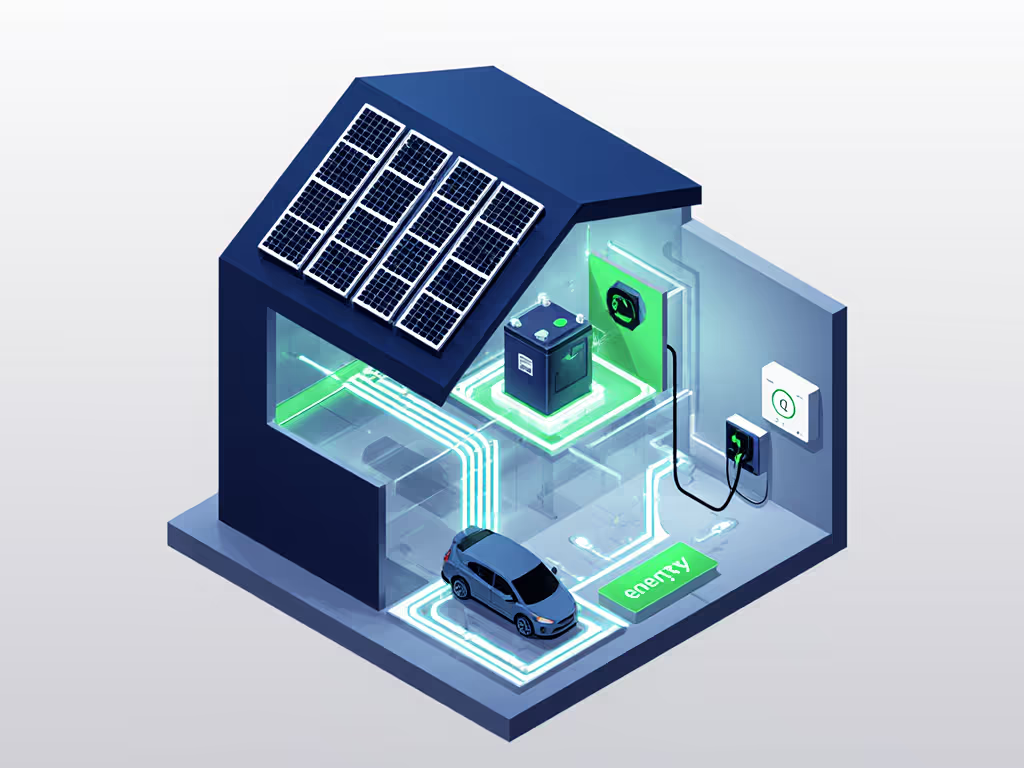
With many platforms now working on solar-battery-EV coordination and multi-system energy management, it's worth choosing a thermostat that either:
- Already participates in that ecosystem, or
- At least exposes enough control and data to plug into it later.
2. Core Features to Prioritize (Especially for Electric Heating)
Before comparing ecosystems, it helps to define what "good" looks like.
2.1 Compatibility and Safety
You want absolute certainty your thermostat matches your HVAC and wiring before it touches a screwdriver.
Key questions:
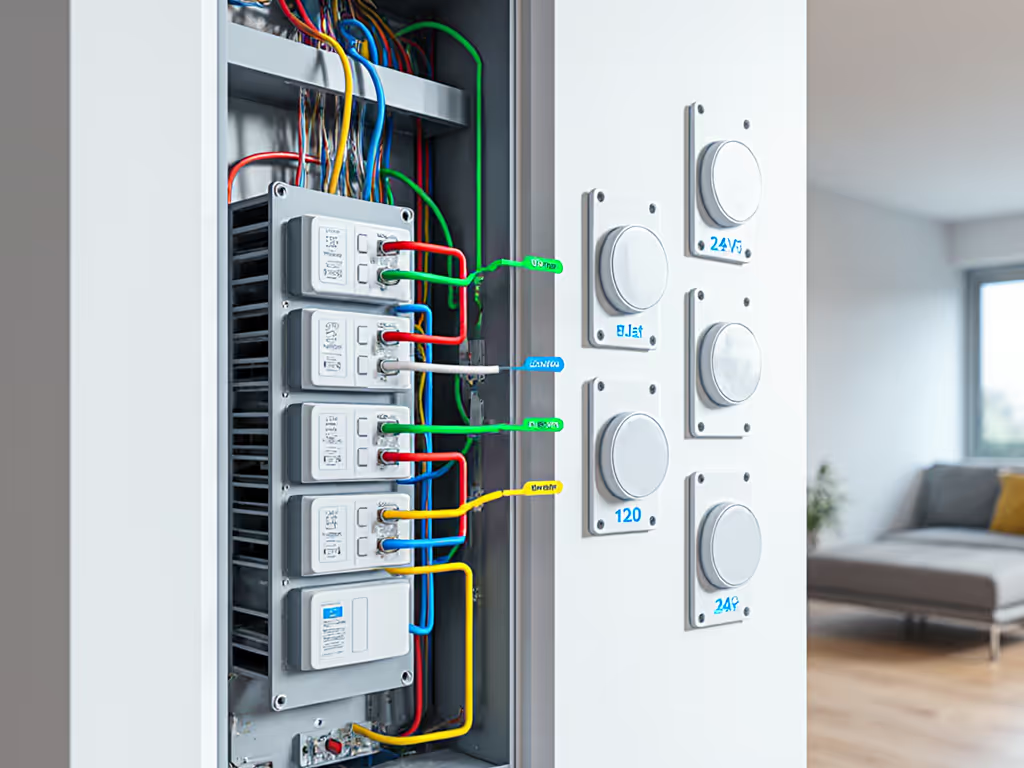
- Voltage - Is your heating line-voltage (120/240V baseboards, convectors, some in-floor) or 24V low-voltage (heat pump, furnace, boiler, air handler)? Mixing these is unsafe and can fry equipment.
- System type - Single-stage furnace, multi-stage, heat pump (with or without backup), dual-fuel (gas + heat pump), boiler, or electric furnace?
- Zoning - Do you have multiple thermostats feeding a zone control board? That changes compatibility.
Stay within manufacturer limits. For step-by-step checks (including C-wire basics), use our HVAC compatibility guide. If a model only supports a 2-stage heat pump and 1 stage of auxiliary heat, don't try to drive more. I won't recommend unsafe setpoint extremes or ignoring staging limits; your control board is more expensive than any thermostat.
2.2 Sensors and Comfort Logic
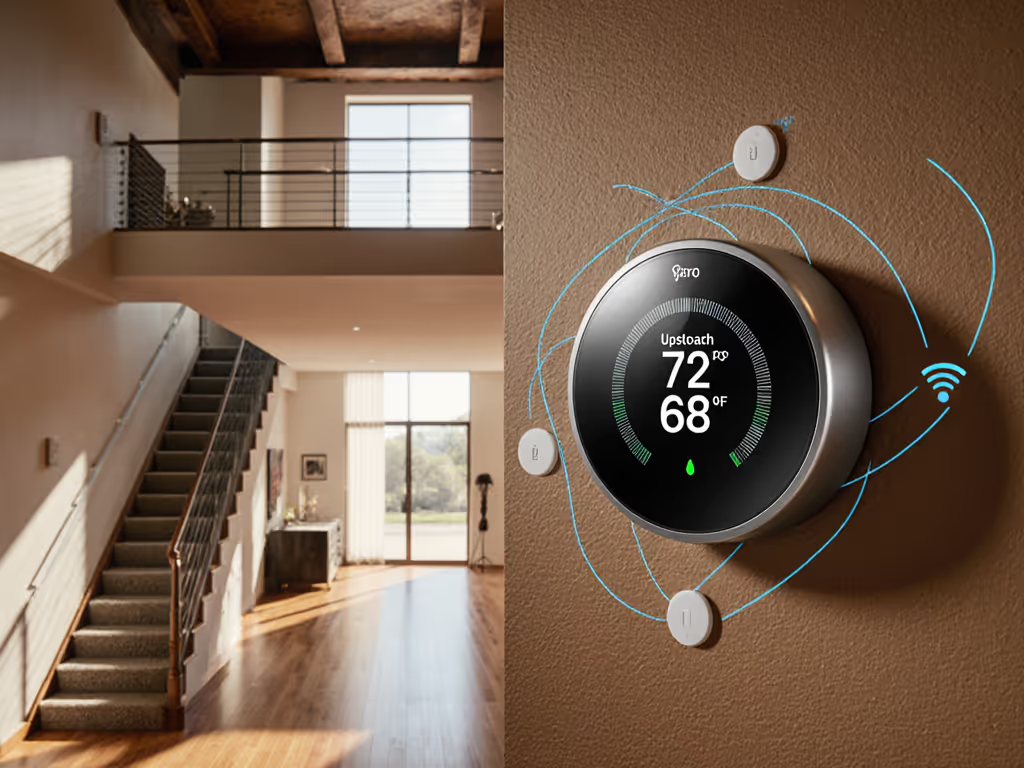
This is where things get interesting. Remote sensors are how you fix hot/cold rooms and match comfort to where people actually are.
Look for:
- Room sensors - Temperature-only at minimum; temperature + occupancy is better.
- Flexible sensor assignment - Ability to say "use these rooms for the daytime schedule, this room at night."
- Weighting and averaging - Some thermostats allow fine-grained sensor weighting; others just average.
Sensors turn hunches into decisions. Instead of "the bedroom feels cold," you see a 3°F offset on a chart and adjust sensor placement or deadband.
2.3 Heat Pump and Auxiliary Heat Control
For heat pumps with electric strip backup, control logic is the line between efficiency and bill shock.
Essential controls:
- Aux heat lockout - "Don't run electric backup above X°F outside."
- Balance point - For dual-fuel systems: "Below X°F, switch to gas furnace instead of running the heat pump."
- Compressor protection - Minimum off-time and stage ramping to avoid short cycling.
Clear aux heat lockout explanations in the app matter. When you can see in a runtime chart that auxiliary heat dropped 70% after a lockout change, that's comfort and cost both improving.
2.4 Time-of-Use and Automation
On TOU rates, the thermostat should:
- Support preheating/precooling before an expensive window.
- Let you set schedule-based setpoints that align with your utility's price periods.
- Optionally integrate with your utility to automatically adjust.
You want "smart" here to mean predictable. The algorithm should learn your home's thermal inertia without overshooting or letting the house drift too cold.
2.5 Utility and Renewable Integrations
Relevant for renewable energy thermostat features:
- Demand response - Enroll to earn bill credits; keep easy override control.
- Direct utility integrations - Some thermostats show eligibility and enrollment right in the app.
- Solar/battery awareness - A few emerging platforms use solar production or battery state-of-charge to tweak heating schedules.
2.6 Data Transparency and Privacy
Look for:
- Runtime history - Hourly/day-by-day HVAC runtime, not just vague "leaf" badges.
- Export or API - Optional, but powerful if you're serious about whole-home energy optimization.
- Local fallback - If the cloud goes down, you still have basic manual control.
- Clear data practices - Especially for occupancy and location data.
3. Comparative Analysis: Leading Smart Thermostat Ecosystems
Let's compare the major approaches you'll see in North American homes, focusing on electric heating and integrated energy management potential.
3.1 Ecobee-Style Ecosystem: Sensors and Granular Heat Pump Control
Profile: Sensor-centric thermostats with robust heat pump options and decent integration into smart-home platforms.
Strengths
- Excellent sensor ecosystem - Wireless room sensors with temperature and occupancy; strong for fixing hot/cold spots.
- Comfort-driven logic - You can specify which rooms dominate the setpoint during different schedules. This can flatten your temperature curve dramatically.
- Heat pump / aux controls - Typically supports aux heat lockout and staging configuration, which is crucial for electric backup.
- Good platform support - Works with major platforms (Alexa, Google, often HomeKit); some support Matter.
- Utility program support - Many models qualify for utility rebates and demand-response programs.
Weaknesses
- Limited direct solar/battery/EV integration - You're mostly using standard TOU scheduling, not deep solar-battery-EV coordination.
- App complexity - The range of options can overwhelm first-time installers.
Best fit:
- Heat pump homes where you want clear control over auxiliary heat.
- Larger or multi-level homes where sensors are needed to balance comfort.
- Owners who want detailed runtime data and are comfortable tweaking settings.
For many of the homes I test, a sensor-heavy install with careful deadband tuning turns erratic overnight temperature swings into a flat profile. The before/after comfort deltas in the runtime and duty-cycle charts are obvious.
3.2 Nest-Style Ecosystem: Learning, Presence, and Utility Programs
Profile: Thermostats focused on learning schedules and using presence detection, deeply integrated with the Google ecosystem.
Strengths
- Strong presence/away logic - Good at detecting when the house is empty and backing off setpoints.
- Learning schedules - Can build schedules from your manual adjustments.
- Utility and demand-response - Widely supported in utility rebate and DR programs.
- Clean UI and aesthetic - Often spouse/guest-friendly with simple controls.
Weaknesses
- Limited manual fine-tuning - Less granular control over staging and aux lockout compared to some competitors.
- Mixed comfort outcomes - Learning algorithms can overshoot or undershoot, especially in homes with high thermal mass or odd zoning.
- Sensor limitations - Remote sensor support varies by model and is not as mature as some sensor-first ecosystems.
Best fit:
- Homeowners already deep in Google Home.
- Single-system forced air or simple heat pump setups.
- People who prioritize automation over manual tweaking and complex charts.
If you want aggressive learning and don't need surgical control over a multi-stage or dual-fuel system, this style of thermostat can deliver reasonable energy savings with minimal configuration. Just be prepared to rein in the learning if you see comfort spikes.
3.3 Line-Voltage Specialists: Baseboard and Electric Radiant Heating
Profile: Thermostats designed specifically for 120/240V electric baseboards, convectors, and some in-floor systems (e.g., brands like Mysa, Sinopé, and others).
Strengths
- Native line-voltage support - No relays or contactors needed in most cases.
- Per-room zoning - Each room's baseboard can be its own smart zone.
- Solid app control - Scheduling, remote control, and basic energy insights for each zone.
- Platform integration - Many integrate with Alexa, Google, and sometimes HomeKit.
Weaknesses
- Limited heat pump/forced air support - These are often line-voltage only; separate thermostats needed for other systems.
- Simpler energy management - TOU-aware scheduling is often manual; multi-system energy management is rare.
Best fit:
- Homes or condos with only electric baseboard or in-floor electric heat.
- Small landlords with multiple baseboard-heated units seeking remote control and basic savings.
With line-voltage systems, simply standardizing schedules and tightening setbacks across rooms can produce significant savings. You'll see it directly in per-zone runtime charts. Start with our tested smart baseboard thermostat picks for zero-rewiring options.
3.4 Integrated Energy Platforms: Smart Panels, Whole-Home Monitors, and Thermostat Links
Profile: Systems that combine a thermostat with a whole-home energy monitor or smart panel (e.g., Sense + thermostat integrations, Schneider Wiser, Span panels paired with compatible thermostats, or similar setups).
Strengths
- True multi-system view - Heating, cooling, water heater, EV charger, pool pump, and plug loads on one dashboard.
- Solar-aware control - Some platforms can trigger preheating when solar output is strong.
- Battery and EV coordination - In more advanced setups, the thermostat is one of several controllable loads orchestrated to avoid peak prices or protect battery SOC.
- Deep insights - You can see exactly how much your HVAC uses compared to everything else.
Weaknesses
- Cost and complexity - Smart panels or whole-home monitors plus a thermostat are a bigger investment.
- Ecosystem lock-in - You're committing to one vendor's view of integrated home energy management.
- Pro install often required - Panels and some monitors aren't DIY-friendly.
Best fit:
- Homes with (or planning) solar + battery + EV.
- Owners who want a genuine integrated home energy management environment rather than a smart thermostat in isolation.
For these homes, the thermostat is one data point in a broader runtime and duty-cycle picture. You get charts that show, for example, how preheating before a peak period reduces both heating runtime and EV charging during that window.
3.5 OEM and Proprietary Thermostat Systems (Carrier, Trane, Bosch, etc.)
Profile: Brand-specific thermostats or controls from HVAC manufacturers, tightly integrated with compatible equipment.
Strengths
- Full access to equipment features - Advanced staging, variable-speed fans, and proprietary dehumidification modes.
- Optimized performance - Because the thermostat and equipment are designed to work together.
- Reliable safeties - OEM defaults protect compressors and heat exchangers.
Weaknesses
- Limited smart-home integration - Some have basic Alexa/Google support, but rarely reach the flexibility of standalone smart thermostats.
- Weak energy-management features - Direct renewable energy thermostat features, TOU-aware preheating, or solar-battery-EV coordination are uncommon.
- Upgrade friction - Replacing the thermostat later can be complex or constrained.
Best fit:
- Homes with advanced, matched HVAC systems (modulating furnaces, variable-speed heat pumps) where OEM control unlocks performance.
- Owners who prioritize reliability and equipment protection over broader energy ecosystem integration.
If you already own such a system, you might end up pairing an OEM thermostat with a separate whole-home monitor for energy insights rather than swapping the thermostat.
4. Choosing Your Path: Match Thermostat Type to Home and Goals
Instead of starting from product names, start from your home.
Step 1: Map Your HVAC and Wiring
Take clear photos of:
- Your current thermostat wiring (with labels visible).
- The furnace/air handler, outdoor unit, or boiler nameplate.
- Any zone control board.
Identify:
- Voltage: 24V vs 120/240V.
- System type: heat pump (with/without aux), electric furnace, gas furnace, boiler, or baseboards.
- Zoning: single vs multi-zone.
This filters out non-starters and prevents unsafe installs or returns.
Step 2: Decide Your 3-5 Year Electrification Plan
Are you:
- Converting a furnace + AC to a heat pump?
- Adding rooftop solar or a battery?
- Installing an EV charger?
Pick a thermostat ecosystem that will handle future heat pump staging and multi-system energy management, not just today's equipment.
Step 3: Rank Your Priorities
Most homeowners I work with roughly fall into one of these:
- Comfort-first, data-friendly - Want even temperatures, appreciate charts, happy to tune settings.
- Automation-first - Prefer learning and presence-based control with minimal manual tweaking.
- Electrification and solar-first - Want the thermostat to be part of whole-home, solar-aware orchestration.
- Baseboard-focused - Just need reliable control of line-voltage electric heating across rooms or units.
Your rank dictates ecosystem choice:
- (1) -> Sensor-centric thermostats with good heat pump logic.
- (2) -> Learning/presence thermostats well integrated with your smart-home platform.
- (3) -> Thermostat plus whole-home monitor or smart panel.
- (4) -> Line-voltage specialists.
Step 4: Check Platform Fit and Privacy
- Confirm support for your platform (HomeKit/Matter/Google/Alexa).
- Ensure local fallback operation.
- Read how occupancy and energy data are used and shared.
Step 5: Confirm Rebates and Utility Program Eligibility
Before buying, check:
- Your utility's list of eligible thermostat models.
- Whether the thermostat supports direct enrollment in their app.
This avoids the "bought it, doesn't qualify" frustration.
5. Configuration Tips: Turning Smart Features into Real Savings
Once the thermostat is on the wall and paired, configuration is where the real value appears.
5.1 Tune for Steady Comfort, Not Constant Tweaking
- Avoid big manual swings. Constantly bumping the setpoint several degrees up and down forces more cycling and aux heat use.
- Set a reasonable deadband. A 1°F-2°F band around the setpoint keeps cycles from getting too short while still feeling stable.
Comfort is a graph: flat lines, gentle curves, no spikes.
I've seen nighttime chill issues disappear just by adding a hallway sensor, tightening the deadband, and adjusting which rooms the thermostat "listens" to overnight. The before/after comfort deltas in the runtime charts are obvious.
5.2 Dial In Heat Pump and Aux Settings
For heat pump + electric aux:
- Enable aux heat lockout - For example, lock out aux above ~30-35°F (exact value depends on your system and climate). This reduces expensive strip heat.
- Check stage behavior - Ensure the thermostat isn't jumping to higher stages too quickly from small setpoint changes.
For dual-fuel (heat pump + gas):
- Set a balance point - Below a certain outdoor temperature, running the heat pump may be less efficient than gas.
Most modern thermostats will guide you here, but don't be afraid to revisit these settings after a week and look at the runtime and duty-cycle charts.
5.3 Use Sensors Intentionally
Think in terms of sensor placement diagrams rather than random stick-ons:
- Keep sensors away from supply vents, exterior doors, and direct sun.
- Put sleeping-area sensors at about head height, not near windows.
- Assign sensors to schedules (daytime: office/living room; nighttime: bedrooms).
If a room consistently runs 2-3°F off from the setpoint, adjust the weighting or create a dedicated schedule for that space.
5.4 Align Schedules with TOU and Solar
On TOU rates or with solar: For model picks and setup strategies on dynamic electricity pricing, see our time-of-use thermostat guide.
- Preheat in cheap/solar-rich hours. For example, let the house warm slightly above your baseline before an expensive evening block.
- Let it drift slightly in peaks. A 1-2°F tolerance during the priciest hours can make a noticeable dent in daily costs.
- Coordinate with EV charging. If your platform supports it, avoid stacking max HVAC runtime with max EV charging during the same peak window.
You don't need perfect forecasting. Just syncing your thermostat schedule with utility TOU blocks or when your solar production typically peaks is often enough for visible savings.
5.5 Manage Utility Demand Response Without Losing Control
If you enroll in a DR program: Learn how these programs support grid stability and what control you keep in our demand response explainer.
- Ensure you can override events from the thermostat or app.
- Start with mild participation - let the algorithm preheat/pre-cool modestly and evaluate comfort and runtime.
- Watch before/after charts. You should see peak-period runtime drop without your home swinging uncomfortably.
If the program's behavior conflicts with your comfort goals, scale back participation rather than living with a cold evening.
6. Summary and Final Verdict
Pulled together, here's how I see the options for smart thermostat electric heating within broader integrated home energy management.
-
If your priority is steady comfort and heat pump efficiency, choose a thermostat that:
-
Has robust remote sensors.
-
Offers clear aux heat lockout and staging controls.
-
Provides runtime charts you can actually use.
-
If you're deep in a smart-home platform and want simple automation:
-
Favor thermostats that integrate tightly with your chosen ecosystem.
-
Make sure you can rein in learning and presence if it clashes with comfort.
-
If you're building toward solar-battery-EV coordination and multi-system energy management:
-
Look beyond the thermostat to a whole-home monitor or smart panel.
-
Ensure your thermostat is compatible or at least flexible enough to be part of that control loop.
-
If you rely on line-voltage electric heating:
-
Don't force a low-voltage thermostat into the mix.
-
Use line-voltage specialists with per-room scheduling and, ideally, basic energy insights.
The throughline in every case is this: sensors, data, and careful configuration beat flashy marketing. Sensors turn hunches into decisions. When you can see, in graphs, that your overnight curves have flattened, your aux heat has dropped, and your peak-period runtime is tamed, you know the system is working with you, not against you.
Choose the ecosystem that matches your wiring, your platform, and your electrification plans, then invest an evening in tuning. The payoff is predictable comfort and lower bills, clearly visible in your own charts.
That's true efficiency: not sacrificing comfort, but making it boringly consistent.
Related Articles