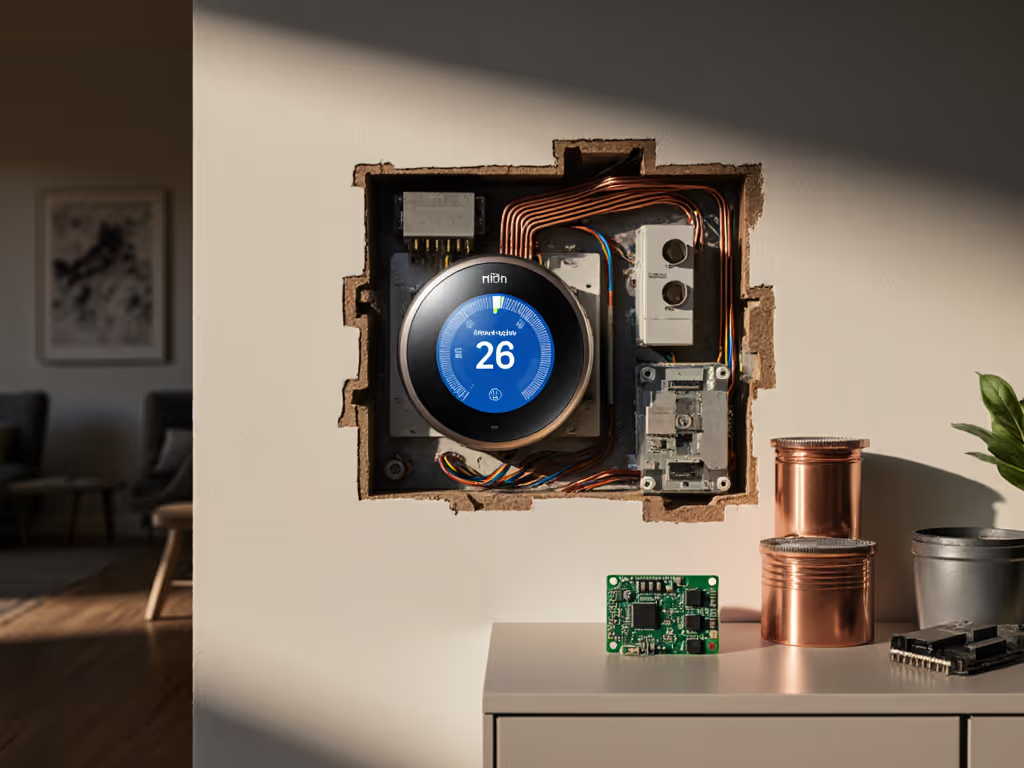
Thermostat Energy Ecosystems: Maximize Efficiency
By Mateo Alvarez • 7th Mar
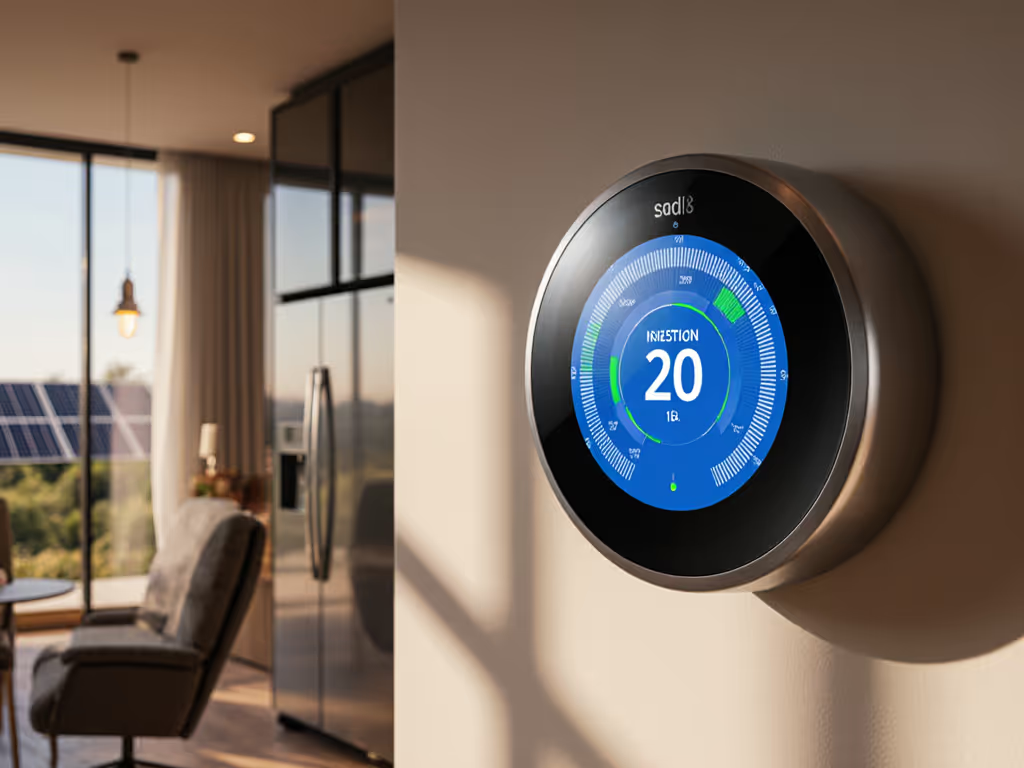
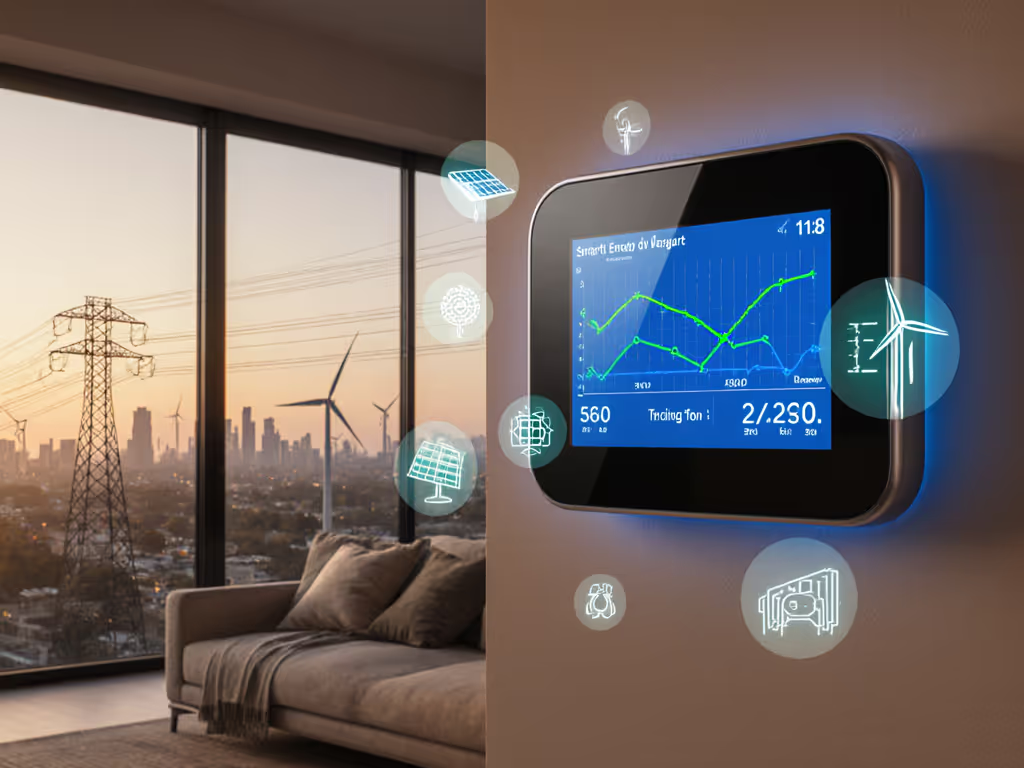
Whole home energy management systems now recognize that the thermostat is rarely a standalone actor (it's the hub of a thermostat energy ecosystem) that coordinates HVAC operation with appliance cycling, utility rates, and battery or solar behavior. This shift from isolated temperature control to coordinated household energy orchestration is where real, predictable savings emerge.
When I modeled my parents' hourly load against their winter rate schedule, I found that the thermostat's pre-heat profile was only one lever in a much larger system. The furnace, the water heater, the EV charger, and the time-of-use windows all had to talk to each other, or at least, decisions had to respect one another. Manual override was non-negotiable; if the system decided to pre-cool during a summer peak window and the AC failed to respond, they'd be uncomfortable. Enroll smartly: incentives matter, but override must be obvious.
The Ecosystem Framework: Beyond Solo Thermostat Control
A thermostat operating in isolation optimizes for comfort within a set band. A thermostat integrated into a home energy dashboard integration layer optimizes for comfort and cost, informed by real-time rates, occupancy patterns, and household load forecasts.
The key difference lies in visibility and sequencing. A traditional thermostat sees setpoint and outdoor temperature. An ecosystem thermostat sees:
- Utility rate windows (time-of-use, demand charges, real-time pricing signals)
- Appliance runtimes and their contribution to demand peaks
- Solar production forecasts or battery state-of-charge
- Occupancy and humidity patterns across zones
- Equipment constraints (compressor restart delays, minimum run times, aux heat cost thresholds)
With this intelligence, the thermostat can make runtime decisions that defer load to cheaper windows, front-load comfort before a peak event, or automatically shed non-essential load when utility prices spike, all without sacrificing the evening comfort your family expects.
HVAC and Appliance Coordination in Demand Response Windows
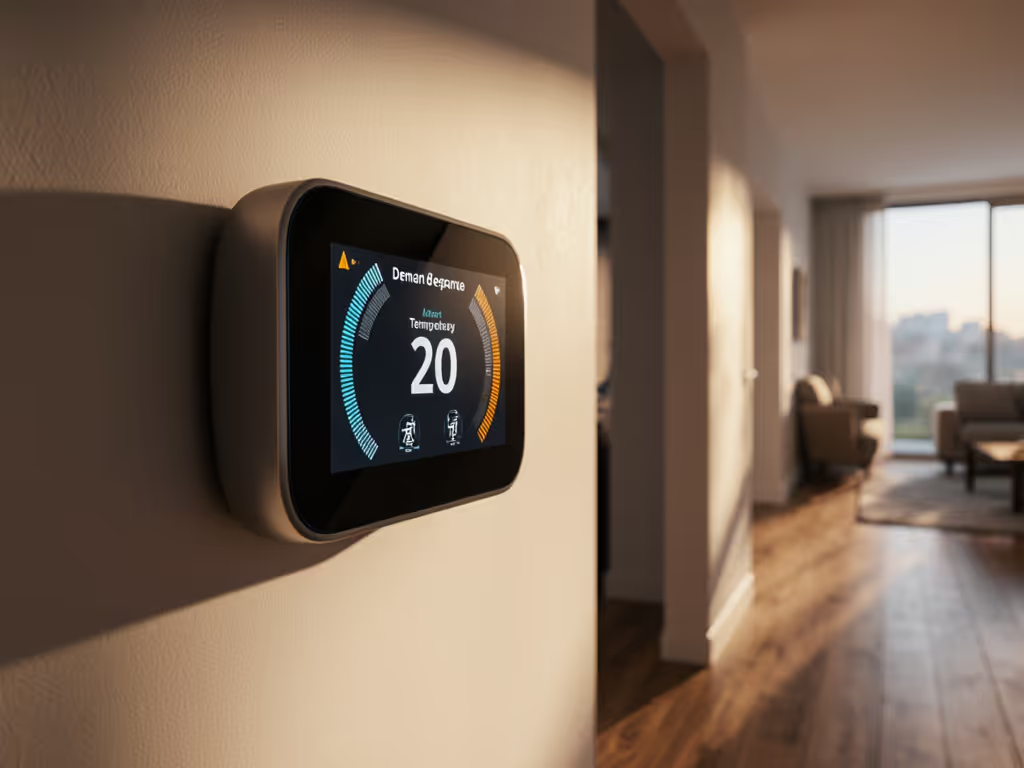
Demand response programs are where ecosystem thinking pays immediate dividends. For a deeper technical look at how thermostats implement utility programs and what controls you keep, see our demand response integration guide. A utility might signal a 2-hour peak window from 5 to 7 p.m. on a hot summer day, paying a penalty for any kW over baseline. A solo thermostat runs normally. An ecosystem thermostat, if configured correctly, can:
- Pre-cool 2-3 hours before the peak (say, 2-4 p.m.), lowering indoor temperature to 72°F using off-peak power.
- Relax the setpoint to 75°F or 76°F during the peak window, running the compressor only if absolutely necessary.
- Stage other loads (water heater, EV charging) to start after 7 p.m., when rates drop or baseline resets.
The outcome: a demand charge reduced by 15-25%, indoor temperature that never exceeds 76°F (imperceptible to most occupants), and a utility rebate check that arrives within 90 days. The math is transparent: if your utility charges $15 per kW over baseline in peak windows, and your pre-cool strategy saves 2 kW during the event, that's a $30 credit per event. Over a 10-week summer season with 2-3 events per week, a homeowner might pocket $600-$900 in demand response incentives alone.
The critical requirement: override must be obvious and immediate. Test the override in daylight. If a family member arrives home early and the house is at 76°F, they should be able to bump cooling to maximum with a single tap, no delay. If the app is slow or the cloud link is down, a physical button on the thermostat or a hard override built into the device logic must restore manual control within seconds.
Utility Rate Optimization: From Flat Rates to Dynamic Pricing
Energy consumption pattern analysis powered by ecosystem thermostats has shifted the burden of rate optimization from utilities onto hardware. A thermostat that understands your home's thermal time constant (how long it takes to drift from 68°F to 75°F when the AC is off) can calculate the latest safe moment to stop cooling before a rate window change.
Consider a time-of-use rate structure:
| Rate Window | Time | Rate ($/kWh) |
|---|---|---|
| Off-peak | 8 p.m.-2 p.m. | $0.11 |
| Part-peak | 2 p.m.-8 p.m. | $0.16 |
| Peak | 4 p.m.-9 p.m. | $0.28 |
A basic thermostat cooling a 2,000 sq ft ranch in June might run the compressor for 6 hours during the peak window, consuming ~18 kWh at $0.28 = $5.04 per peak day. An ecosystem thermostat that pre-cools to 71°F by 3:55 p.m. and raises the setpoint to 76°F during peak might consume only 8 kWh during peak hours, spending $2.24 and deferring 10 kWh to off-peak at $1.10 = $3.34 total. Daily savings: ~$1.70. Over 120 peak-season days, that's $204 in fuel cost reduction, and this calculation doesn't yet include demand response rebates or battery optimization. For model recommendations built for dynamic rates, see our time-of-use thermostat picks.
Dashboard Integration and Real-Time Energy Visibility
Ecosystem thermostats no longer report only setpoint and run time. Modern home energy dashboard integration layers pull in:
- Whole-home circuit-level power draw (if the home has a smart meter or sub-panel monitoring)
- Individual appliance consumption (via smart plugs or direct integration)
- Solar production and battery charge state
- Occupancy and humidity by room
- Forecasted weather and rate schedules for the next 7 days
This data feeds back into the thermostat's scheduling engine. If the system forecasts a 94°F day tomorrow and off-peak electricity until noon, it might pre-cool more aggressively overnight. If a large load (say, an EV charging session) is scheduled to start at 6 p.m., the thermostat might dial back nighttime heating to avoid competing for the same demand window.
The clarity matters. Homeowners want to see the assumption list: "Preheating started at 4:15 p.m. (assumed 2-hour lead time for 12-degree rise) to prepare for 5-7 p.m. peak window. Setpoint raised to 76°F at 4:50 p.m. based on forecast indoor temperature of 74°F at 5 p.m." When the logic is visible and conservative, enrollment in automation features increases dramatically.
Zoning and Multi-Stage Coordination
For homes with zoned HVAC systems or multiple mini-splits, ecosystem coordination becomes even more valuable (and complex). See our multi-zone thermostat guide for equipment picks and wiring considerations. A two-zone system might allow the thermostat to:
- Heat living areas aggressively before a peak event and defer bedroom heating until off-peak hours.
- Cool high-solar-load rooms (south-facing bedrooms) earlier and maintain higher setpoints in shaded zones during the peak window.
- Coordinate compressor staging across zones to avoid simultaneous head-to-head operation (which spikes demand) and instead stage them sequentially.
This requires wiring-specific knowledge and field validation. A zone control board, outdoor reset logic, or a dual-fuel switcher all impose sequencing constraints that generic ecosystem advice will miss. The best deployments involve a technician walk-through: confirming stage delays, testing changeover logic in mild weather (not emergency mode), and documenting fallback behavior if cloud connectivity drops.
Practical Deployment: Clear Assumptions and Payback Ranges
When evaluating a thermostat ecosystem for your home, establish transparent assumptions upfront:
- Baseline consumption: How many kWh did you use for heating/cooling last year? (Check utility bills.) A 2,000 sq ft home in a temperate climate might use 8,000-12,000 kWh/year for HVAC; a cold climate might double that.
- Rate structure: Does your utility offer time-of-use, demand response, or dynamic pricing? If not, automation savings will be limited to equipment-level efficiency and behavioral adjustments (raising setpoint by 2°F in shoulder seasons).
- Hardware and installation: A base ecosystem thermostat is $100-$300; professional installation adds $200-$400. Smart sensors for zoning are $50-$100 each.
- Payback timeline: With time-of-use rates and one or two demand response events per season, expect 1-3 years payback on hardware. If your utility offers rebates or incentives, payback can drop below 1 year.
Do not guarantee bill outcomes; utility rates, weather, and occupancy vary year to year. Do not optimize for unsafe load-shifting (e.g., running heating in a cold snap at off-peak hours if it risks freezing pipes). Do recommend testing demand response overrides before enrolling in automated events, a comfort surprise mid-automation can spoil trust.
Ecosystem Resilience and Override Control
The most overlooked element of thermostat ecosystems is what happens when the cloud link fails. We test which models keep automation running without internet in our offline-capable thermostat comparison. If your home's energy management depends on a cloud service to send rate signals or toggle loads, and the service goes down, you are stranded running in default mode (which might be a fixed 72°F setpoint regardless of occupancy or weather).
Build resilience into your ecosystem plan:
- Choose devices that cache rate schedules locally and continue automation offline.
- Confirm that the thermostat has a hard manual override (physical button or immediate app control that doesn't require cloud sync).
- Test the override in daylight before relying on automation during peak windows.
- Store a photograph of the thermostat's manual override procedure in your phone in case you forget during an outage.
Conclusion: Ecosystems Require Intentional Design
A thermostat ecosystem is not a plug-and-play simplification; it's a deliberate coordination of hardware, rates, and occupancy patterns. But when designed transparently, with clear assumptions, visible overrides, and realistic payback ranges, it transforms a comfort appliance into an active cost optimizer. The savings are predictable, the comfort is protected, and you maintain control. That's the foundation of an ecosystem worth enrolling in.
Explore your utility's rate offerings, document your home's thermal profile, and evaluate ecosystem thermostats that support local scheduling, export runtime data for analysis, and offer direct circuit or appliance-level monitoring. The investment in clarity upfront, a technician consultation, a rate-matching exercise, a weekend install checklist, pays forward across seasons.
Related Articles