Thermostat Outage Resilience: Extended Power Setup
By Aiko Tanaka • 4th Apr
Thermostat outage resilience and power outage thermostat management hinge on understanding what actually happens to your HVAC system during an outage, and more importantly, what stays functional when the grid fails. This FAQ explores how to design your thermostat and heating or cooling system to maintain comfort and safety when electricity vanishes, even for extended periods.
What Happens to Your Thermostat and HVAC System During a Power Outage?
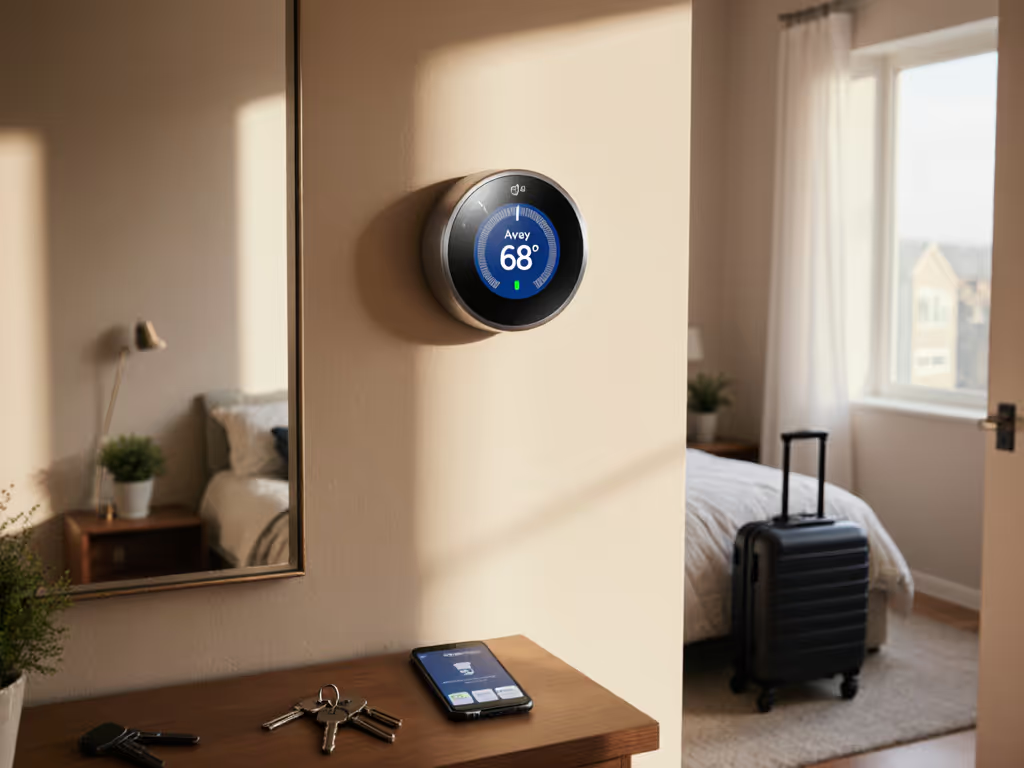
When power fails, your thermostat stops communicating with your furnace, heat pump, or air handler. The thermostat itself is typically powered by either a 24 V circuit (derived from your HVAC equipment) or, in newer models, a combination of that plus battery backup. Without power to the air handler or furnace, the blower won't run, heating coils won't energize, and compressors won't cycle (regardless of what your thermostat "wants" to happen).
This creates a critical failure point: your thermostat becomes inert, and your home loses active climate control. The building envelope itself (insulation, air sealing, window quality) becomes your only thermal defense. That's why local control and fallback defaults matter far more than cloud connectivity during an outage.[1] A thermostat designed for offline-first operation (one that holds its schedule and logic on the device itself) won't vanish into the cloud when internet drops. See which models excel at offline thermostat operation and keep schedules running without internet.
How Do Battery Backups and UPS Systems Help Thermostats?
Battery-backed thermostats keep the display alive and preserve scheduling logic during brief outages (typically 4 to 24 hours depending on battery capacity). Compare real-world thermostat battery backup runtimes to size your outage plan. However, batteries do not power your HVAC equipment; they only power the thermostat controller.
A true furnace UPS integration goes further. A dedicated uninterruptible power supply (UPS) backs up the 24 V control circuit and the air handler blower motor (or a portion of it), allowing:
- The thermostat to remain active and aware.
- The blower to run, circulating air even if the heating or cooling source (compressor, furnace burner) is offline.
- Minimal comfort preservation during extended outages.
Small home UPS units (typically 500 to 1500 W) can sustain thermostat operation and low-speed blower circulation for 2 to 4 hours. Sizing depends on your blower's amperage and your system's design. A furnace blower typically draws 0.5 to 1.5 amps at 24 V; a whole-home UPS may be required for full-load support.
Design for offline first: Thermostat backup power extends comfort duration, but equipment-level UPS adds resilience to the blower and control circuits.
What Are Emergency Temperature Settings?
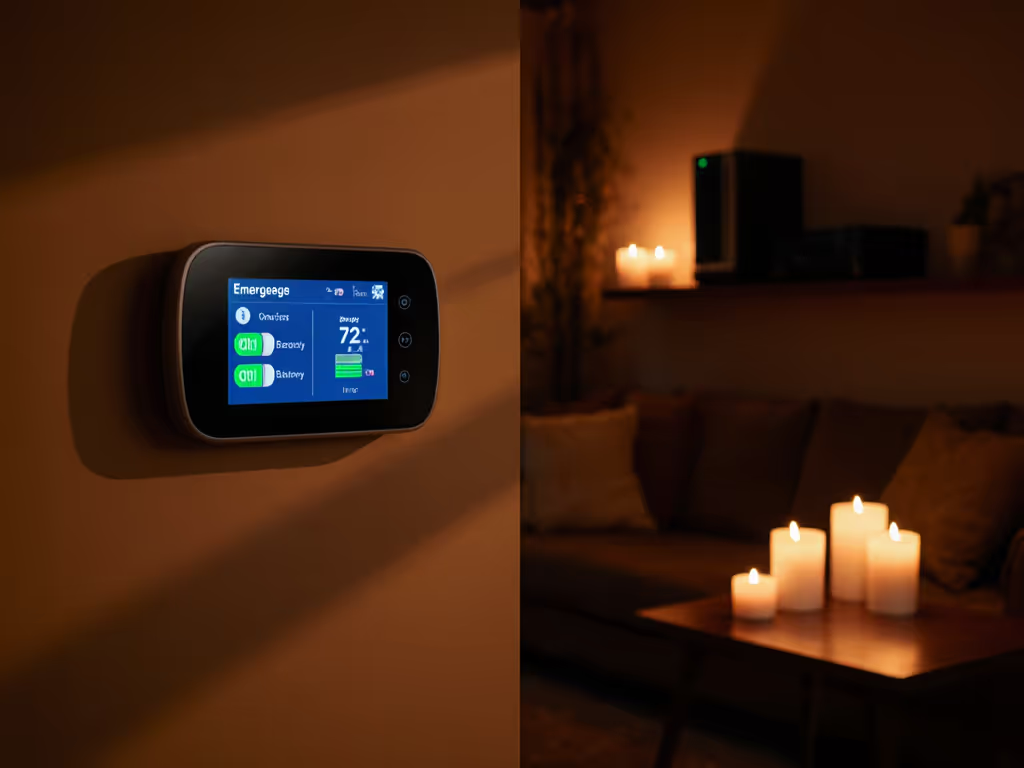
When mains power returns or during a grid-support event, smart thermostats often apply emergency temperature settings (temporarily adjusted setpoints designed to reduce demand strain or protect equipment).
For example, during a demand response event (common in areas with extreme heat or high grid stress), utilities may request that thermostats raise cooling setpoints by 1 to 4 degrees for 3 to 4 hours.[1][6] Learn how these programs work and what control you retain in our demand response thermostat guide. A well-designed thermostat lets you:
- Receive advance notice of the event.
- Pre-cool your home before the adjustment begins.
- Override the adjustment at any time if comfort is at risk.
- Automatically return to your normal schedule when the event ends.
The key is transparency and control. You should never feel locked out of your own thermostat during an emergency.
How Does Offline Thermostat Operation Work?
True offline operation means your thermostat's core scheduling, logic, and setpoints live on the device, not in a cloud database. If the internet fails or the vendor's servers go down, your thermostat continues executing its programmed schedule.
This requires:
- Local storage of your schedule (weekly program, hold times, occupancy modes).
- Firmware that doesn't require constant phone-home validation or cloud-based machine learning to function.
- Manual override via the device's physical display, not just an app.
- Graceful fallback to a sensible default (e.g., 68°F heating, 76°F cooling) if the schedule is unavailable.
When internet resumes, the thermostat syncs its activity and learns, but it doesn't depend on that sync to maintain comfort. During a two-day internet outage caused by a severe storm, our radiant floor system remained steady because HomeKit schedules lived on-device and Thread kept sensors online while neighbors' cloud-dependent systems spun without purpose. For advanced local automations, our Home Assistant thermostat integration guide shows how to build robust offline routines.
Local first, cloud optional... comfort shouldn't hinge on an outage.
How Can You Prepare Your Setup for Extended Outages?
Build resilience in layers:
-
Step 1: Map your dependencies. Document what powers what: Does your thermostat draw 24 V from the air handler? Is your Wi-Fi router on battery? Does your boiler have manual pilot ignition? A dependency diagram prevents surprises when power fails.
-
Step 2: Choose offline-capable thermostats. Prioritize models that store schedules locally and function without internet. Verify that the thermostat you select continues to read room temperature and maintain setpoints even if Wi-Fi and cellular fail.
-
Step 3: Add thermostat battery backup. Install a battery module (if your thermostat supports one) or a small dedicated backup. Test it quarterly to ensure it holds charge.
-
Step 4: Plan furnace UPS integration. If your home is in an area prone to extended outages or severe weather, consult an HVAC technician about a 24 V UPS or a blower-only backup system. If you rely on standby power, see our guide to generator-compatible thermostats to avoid overloads during restoration. Document the wiring and test it annually.
-
Step 5: Pre-cool or pre-heat before peak demand or forecast outages. Occupancy-aware scheduling can gently lower indoor temperature 1 to 2 hours before a heat wave or demand response event, expanding your thermal buffer.[2]
-
Step 6: Understand your utility's demand response programs. Many utilities reward customers who enroll smart thermostats in conservation events.[4][6] Confirm that any program allows manual override and provides transparent event notifications.
What Should Your Thermostat's Failure Modes Be?
When power fails or the thermostat loses connectivity, ask:
- Does it revert to a safe, manually adjustable default? (Not "off" or "cooling in winter.")
- Can you override the setpoint using the physical display?
- Will it resume its normal schedule when power returns?
- Does it preserve a log of what happened during the outage (for diagnostics)?
A failure-mode walkthrough reveals gaps: if your thermostat defaults to 62°F heating but your pipe-prone basement is at risk when temperatures drop, that default fails your home. If the display locks during an outage, you've lost manual fallback. If the device forgets its schedule after six hours without power, it won't help on day two of an extended outage.
Transparent data-flow notes from your thermostat manufacturer should outline exactly what happens in each scenario. Demand those specifications before purchase.
How Do Remote Sensors and Zoning Improve Outage Resilience?
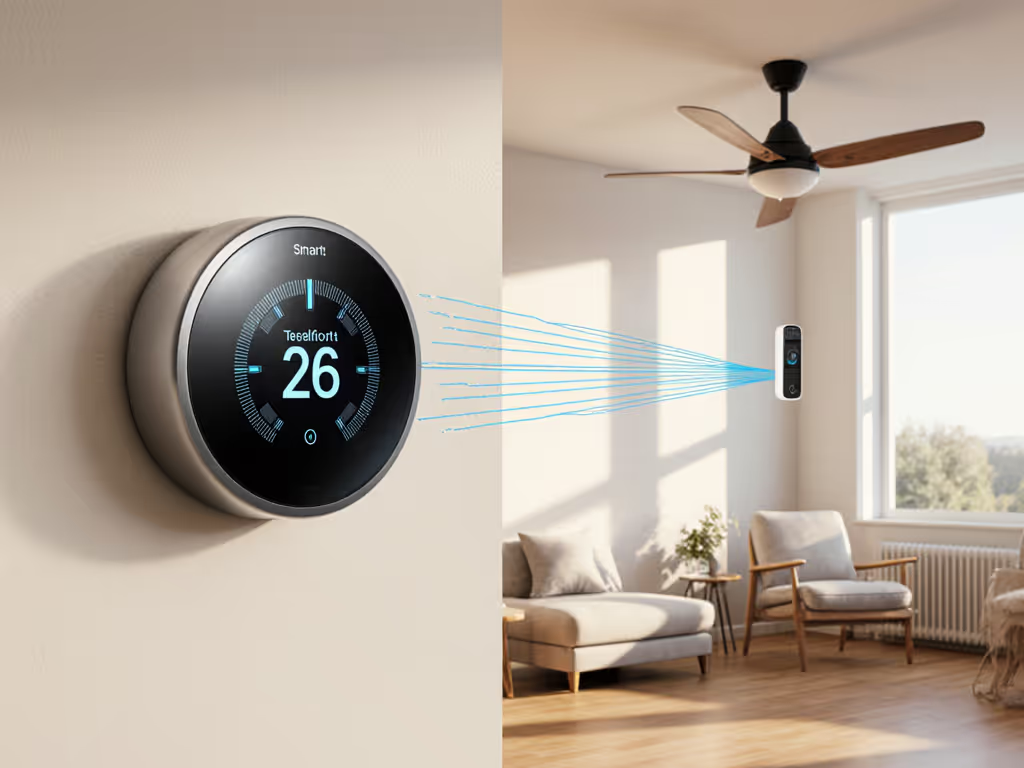
A single thermostat in a hallway can't sense temperature gradients in a large or multi-zone home. Adding wireless room sensors (battery-powered) lets your thermostat prioritize the most-used zone during an outage. If your system has dampers or zone boards, some can fall back to a default (e.g., all dampers open, all zones active), ensuring air can flow even if the control board loses power.
Choose sensors and systems that:
- Communicate via a local mesh (Matter, Thread, proprietary 2.4 GHz) rather than Wi-Fi or cloud.
- Have multi-month battery life so they remain active during extended outages.
- Degrade gracefully (a sensor lost mid-outage doesn't brick the thermostat).
What Role Does Demand Response Play in Avoiding Outages?
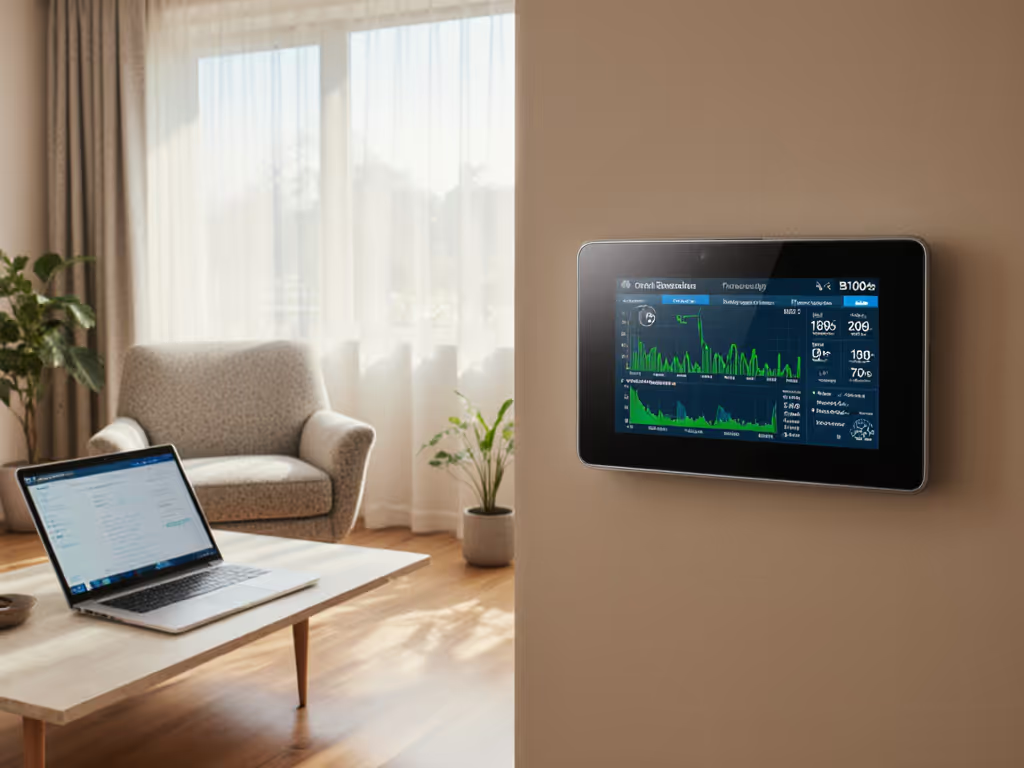
Demand response programs reduce peak demand by asking customers to temporarily shift or reduce electricity use during high-stress periods. Research confirms that demand response is a time-tested strategy for load management and mitigates costly and disruptive outages during extreme weather.[4] When thermostats participate, they adjust setpoints in coordination with millions of other devices, flattening demand curves and reducing the need for emergency rolling blackouts.
By enrolling in a utility demand response program and automating pre-cooling before the event window, you reduce the likelihood of an outage in the first place, and you're usually rewarded with bill credits or rebates.[6]
Key Takeaways
Thermostat outage resilience isn't a single feature; it's a stack: local scheduling, battery backup for the control circuit, UPS-powered blower circulation, transparent demand response controls, and a physical override path. Start by clarifying your system's wiring and dependencies. Choose a thermostat that operates offline by default and includes battery backup. If your area faces extended outage risk, add furnace UPS integration. Test your fallback chain annually, and keep paper copies of your schedule and manual overrides posted near your thermostat.
When comfort doesn't hinge on cloud availability or external services, outages become an inconvenience rather than a crisis. That's the aim: design for offline first, and everything else becomes optional.
Related Articles