Sleep Optimization Thermostat: Circadian Rhythm Sync
By Aiko Tanaka • 15th Mar
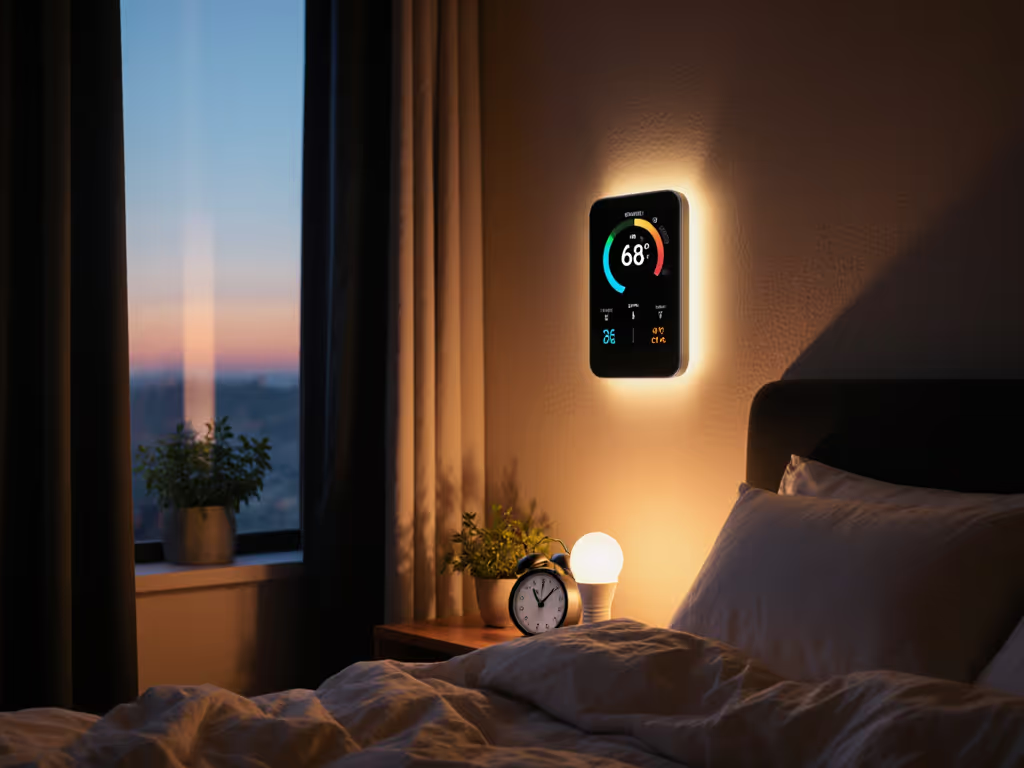
A sleep optimization thermostat and circadian rhythm thermostat integration may sound like marketing phrases, but they're grounded in sleep neuroscience that's been measured for decades. Your body runs on two separate clocks: a circadian rhythm (your ~24-hour oscillator) and a sleep-homeostatic pressure (accumulated sleepiness). Temperature is one of the few levers that modulates both. The question isn't whether temperature affects sleep; it's whether your thermostat can be programmed to sync with your biological rhythms instead of fighting them.
Why Temperature + Circadian Rhythm Matter More Than Light Alone
Q: I use light to manage my sleep. Why add a thermostat to the mix?
Light exposure entrains your circadian rhythm by shifting your core body temperature minimum, the coldest point in your ~24-hour cycle, typically 2-4 hours before natural wake time. Research confirms that optimizing light alone shortens circadian adjustment time (jet lag recovery, shift-work entrainment) by 30-450 hours, depending on intensity and time shift.[1] But add temperature scheduling into the equation, and you shorten it further, by another ~50 hours in many cases, because temperature reinforces circadian phase shifts at a different biological level than light does.[1]
Why? Your core body temperature is not just a symptom of your circadian rhythm; it's a primary output that triggers cascade effects: melatonin suppression, alertness, metabolism, and sleep propensity.[2] A thermostat that gradually lowers room temperature in the evening aligns with your natural thermal drop. Conversely, a gentle warming in the early morning mirrors the thermal rise that primes your wake cycle. Light + temperature operating in sync is more powerful than either alone.
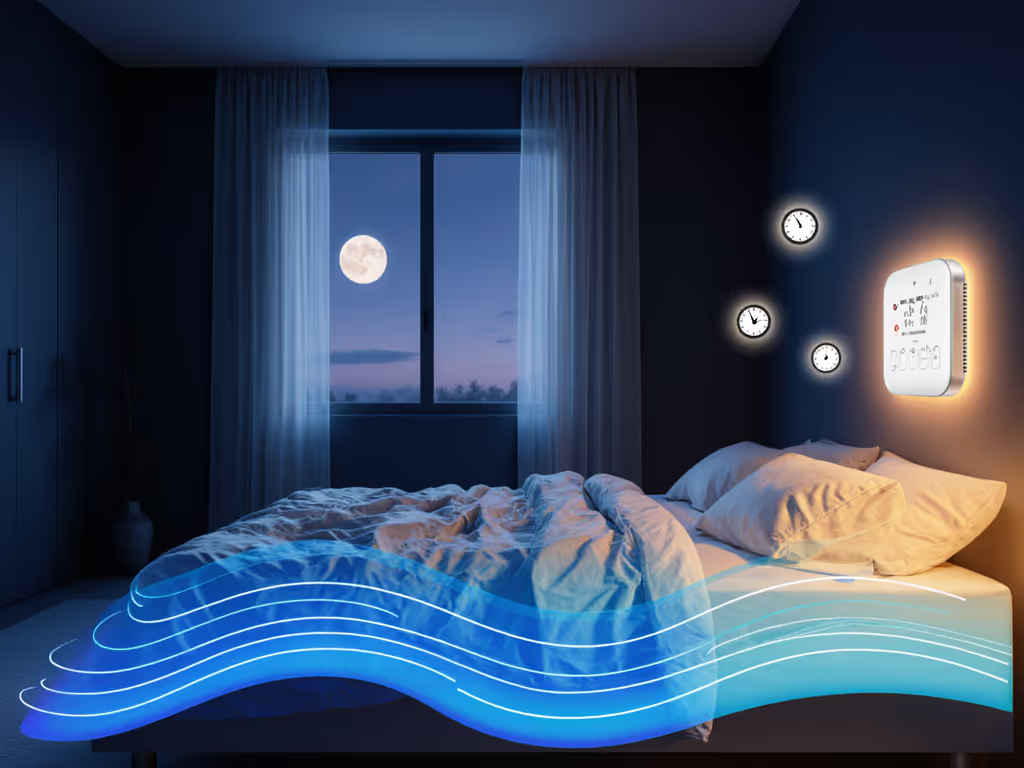
Q: But won't any smart thermostat do this?
Not necessarily. Most smart thermostats, even those with learning or occupancy modes, are designed to minimize energy use or maintain a narrow dead band around a set point. They're optimizers for bills, not for sleep physiology. A sleep cycle temperature management strategy requires:
- On-device scheduling (local, no cloud dependency)
- Multi-point gradual setpoint transitions (not abrupt steps)
- Integration with your lighting and other circadian cues
- Fallback behavior if internet drops
If the WAN dies, what still works? A thermostat running pre-loaded schedules on the device itself. If it relies on a cloud algorithm or app-push commands, a storm or service outage leaves you stranded. For model picks that keep schedules running without the internet, see our best thermostats with local processing.
Local-First Thermostat Architecture for Sleep Routines
Q: How do I set up a thermostat that prioritizes local, on-device scheduling?
Start with a thermostat that supports Matter and Thread (or HomeKit over BLE/WiFi with local control) and allows you to define dormancy schedules directly on the device. Here's a dependency diagram: Not sure where to start? Use our Matter thermostat compatibility checklist to pick hardware that supports reliable local control.
┌─────────────────────────────────────┐
│ On-Device Schedule Storage │
│ (no cloud required) │
└──────────────┬──────────────────────┘
 │
 ┌──────▼──────────┐
 │ Thread/Local │
 │ Hub (required) │
 └──────┬──────────┘
 │
 ┌──────────┴───────────┐
 │ │
 ┌──▼──┐ ┌────▼─────┐
 │ App │ │HomeKit │
 │ (UI)│ │App (UI) │
 └─────┘ └──────────┘
 (optional cloud sync)
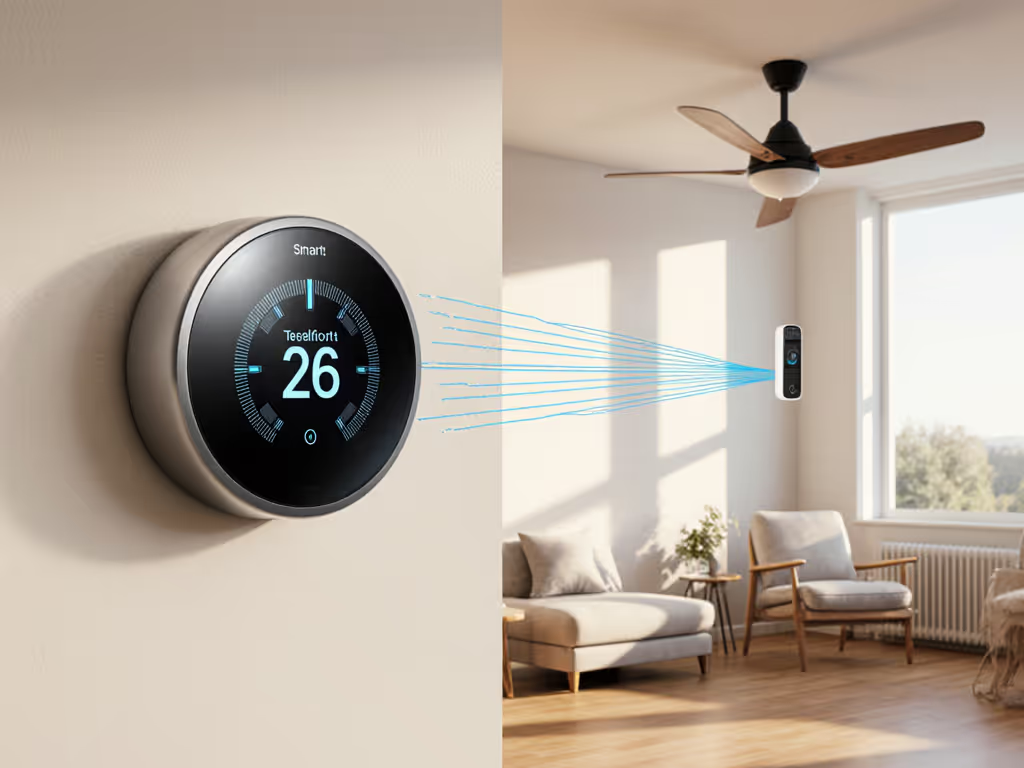
The thermostat holds the schedules. The hub (HomePod mini, Apple TV, or third-party Matter border router) enables secure commands locally. Apps are optional, they're for convenience, not operation. During a cloud outage or internet loss, the thermostat executes its stored schedules uninterrupted.
Local vs. Cloud Capability Table
| Capability | Local (On-Device) | Cloud Sync (Optional) |
|---|---|---|
| Pre-programmed sleep schedule | ✓ Works offline | ✓ Works offline |
| Circadian-timed ramps | ✓ Works offline | ✓ Works offline |
| Manual override (pad) | ✓ Works offline | ✓ Works offline |
| App-based adjustments | ✗ Requires WAN | ✓ Requires WAN |
| Geofencing pre-cooling | ✗ Requires WAN | ✓ Requires WAN |
| Learning algorithm | ✗ Typically cloud | ✓ Requires WAN |
Designing a Sleep-Ready Temperature Curve
Q: What does a circadian-aligned temperature schedule actually look like?
Assuming a target sleep window of 10 PM to 6 AM and a typical home comfort setpoint of 72 °F (22 °C):
- 7:00 PM: Begin gentle cool-down to 70 °F. Pair with warm-dimmed lighting. Homeostatic pressure begins rising; circadian amplitude increases.[2]
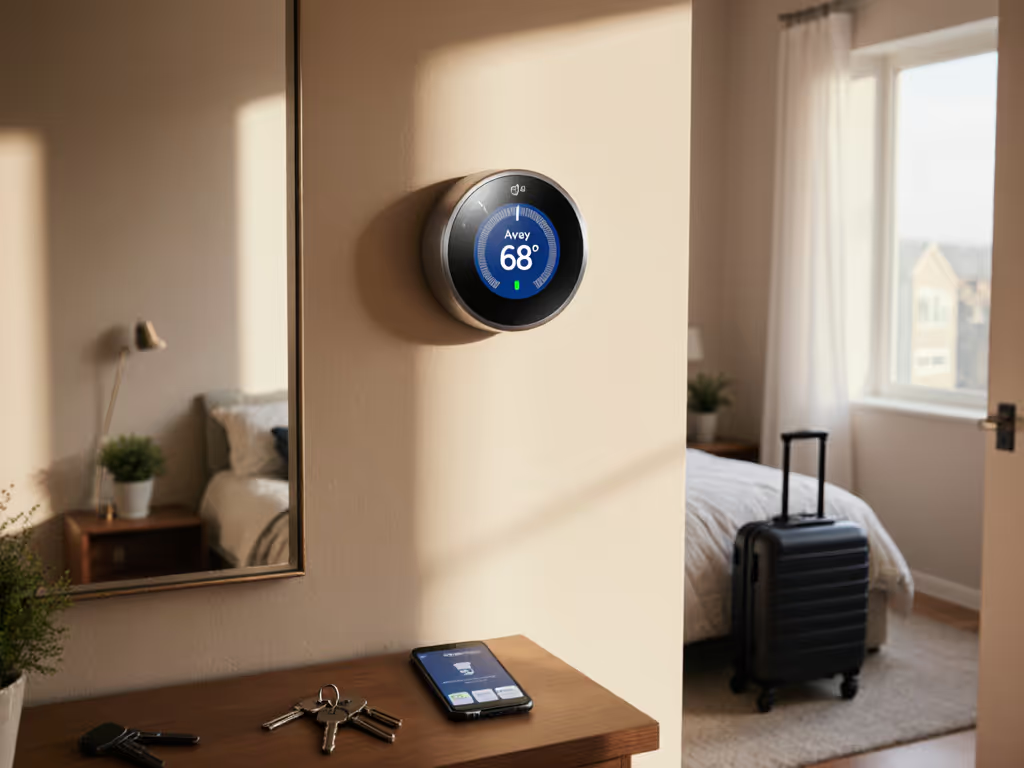
- 9:00 PM: Continue to 68 °F. Lighting now near zero lux (warm amber). Core body temperature naturally declining; sleep propensity accelerates.
- 10:00 PM: Sleep onset target. Hold at 68 °F. Coolest point is ~2 hours after sleep (midnight-1 AM), aligning with your natural thermal nadir.
- 4:00 AM: Begin slow warm-up. Subtle increase to 69 °F. Core temperature begins natural rise 2-3 hours before wake time.
- 6:00 AM: Warm to 71 °F as circadian rhythm crests. Pair with bright blue-enriched light (sunrise simulation). Wake propensity increases.
The gradient matters. A 4-degree drop over 3 hours feels natural. An instant drop registers as discomfort. To program those ramps precisely, follow our advanced scheduling guide for smart thermostats.
Q: What if I have a multi-stage furnace or heat pump?
Different HVAC architectures behave differently during low-setpoint periods:
- Heat pump (cold climate): Monitor auxiliary heat activation. If your low setpoint triggers expensive strip heat, raise the floor to 66-68 °F to preserve efficiency while still benefiting from cool-sleep physiology.
- Furnace + AC: Staging logic remains unchanged. A slow setpoint ramp won't short-cycle as long as your thermostat enforces a minimum cycle time.
- Radiant floor/baseboard: These systems respond more slowly than forced air. Program ramps 1-2 hours earlier to achieve steady-state by sleep onset.
This is where local device schedules shine: you tune the curve once and let on-device logic handle the nuances without cloud round-trips or latency. If you run radiant floor or hydronic heat, use our radiant floor thermostat comparison to tune timing and avoid overshoot.
Sleep Quality, Privacy, and Internet Resilience
Q: What data does a sleep-optimization thermostat need to collect?
Minimal, if architected correctly:
- On-device: Your schedule (sunrise time, wake target time, sleep setpoint). Your runtime data (compressor cycles, heating/cooling mode). None of this must leave the device.
- Optional cloud (user consent): Aggregated energy metrics for utility reporting. Occupancy hints for geofencing (only if you enable it). Usage trends for your own learning.
Privacy Disclosure & Data Flow
Choose a thermostat that clearly answers:
- Does it require a cloud account to run local schedules? (Answer should be "no.")
- Where is occupancy or temperature data stored? (Ideally "local hub" or "your own cloud account," not "vendor servers.")
- Can you opt out of analytics without losing core features? (Non-negotiable.)
- What happens if your vendor goes offline or discontinues the product? (Can you still run schedules? Can you export them?)
This ties directly to failure-mode planning. During an internet outage, or a vendor sunset, does your sleep automation survive? For hardening your setup, review our smart thermostat privacy and security guide so comfort doesn't cost your data.
Integrating Circadian Lighting and Sleep Cycle Temperature Management
Q: How do temperature schedules pair with smart lighting?
Scenes work best. Your 9:00 PM transition becomes a scene: "Wind Down" (lighting at warm 2700 K, 10% brightness; thermostat to 68 °F; optional: white-noise speaker activation). Your 6:00 AM becomes "Morning Activation" (lighting at bright 5000 K; thermostat to 71 °F; shade raise; coffee maker). One tap (or time-based trigger) coordinates all three.
HomeKit, Google Home, and Alexa all support scenes. The advantage of local platforms is that scene execution happens on your hub or device, not in the cloud. A power flicker doesn't orphan your automation.
During a two-day internet outage caused by a storm, our radiant floor schedule stayed steady and pre-warmed the nursery, not because the cloud had a backup, but because the schedule lived on the device itself. While neighbors' app-dependent automations went dark, our local-first setup held a steady band. That's the difference between comfort hinged on an outage and comfort that persists.
Next Steps: Building Your Sleep-First Thermostat Plan
Q: Where do I start?
- Audit your HVAC: Document whether you have single-stage, two-stage, heat pump, dual-fuel, or radiant. Note any zone controls or auxiliary equipment (humidifier, ERV, mini-split).
- Choose a platform: HomeKit, Google Home, or Amazon Alexa. Verify that your target thermostat supports local scheduling and your chosen platform's local-control standard (Matter/Thread preferred).
- Draft your curve: Define target sleep setpoint (typically 65-70 °F) and wake-time warming. Pair with your existing light schedule.
- Test and refine: Run for 2-4 weeks. Measure sleep quality (wearable data if available) and comfort. Adjust the ramps and timing based on real behavior.
- Pair with lighting: Once the thermostat schedule feels solid, create coordinated scenes for morning and evening.
The goal isn't perfection, it's local first, cloud optional: comfort that survives outages and respects your privacy, grounded in circadian biology, not marketing promises.
Explore thermostat options that prioritize on-device scheduling, verify Matter/Thread support, and ask vendors directly about offline resilience and data practices. Your sleep, and your peace of mind, depend on architecture, not features.
Related Articles