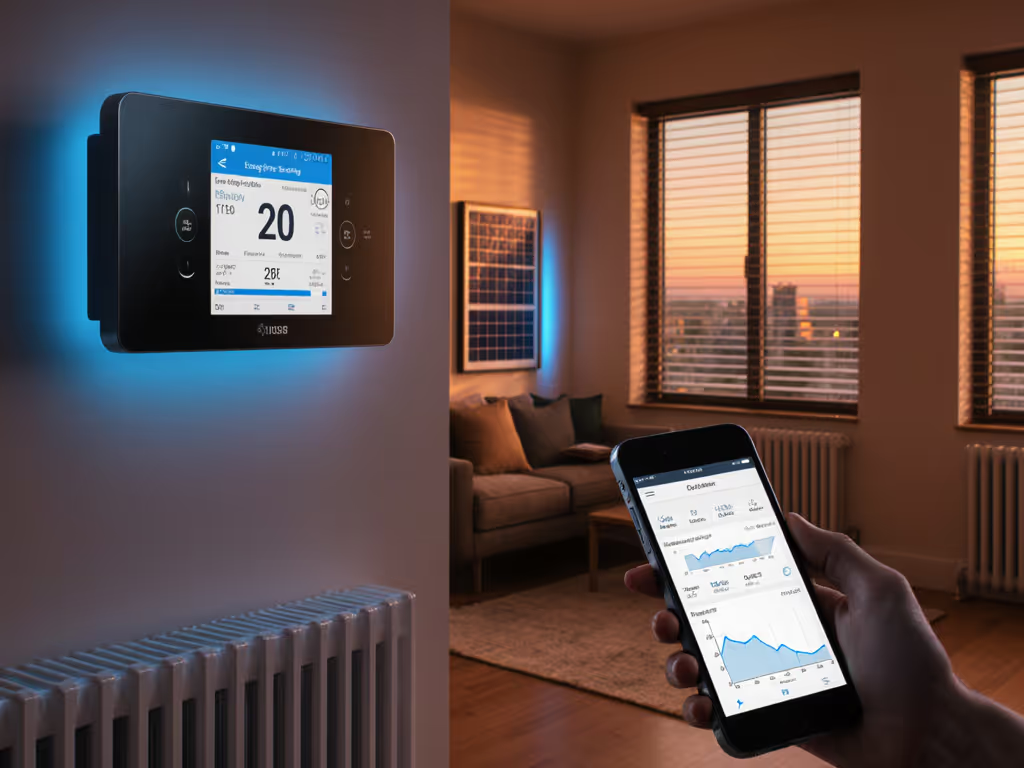
Smart Thermostats for Night Shift: Sleep Schedule Control
By Mateo Alvarez • 4th Jan
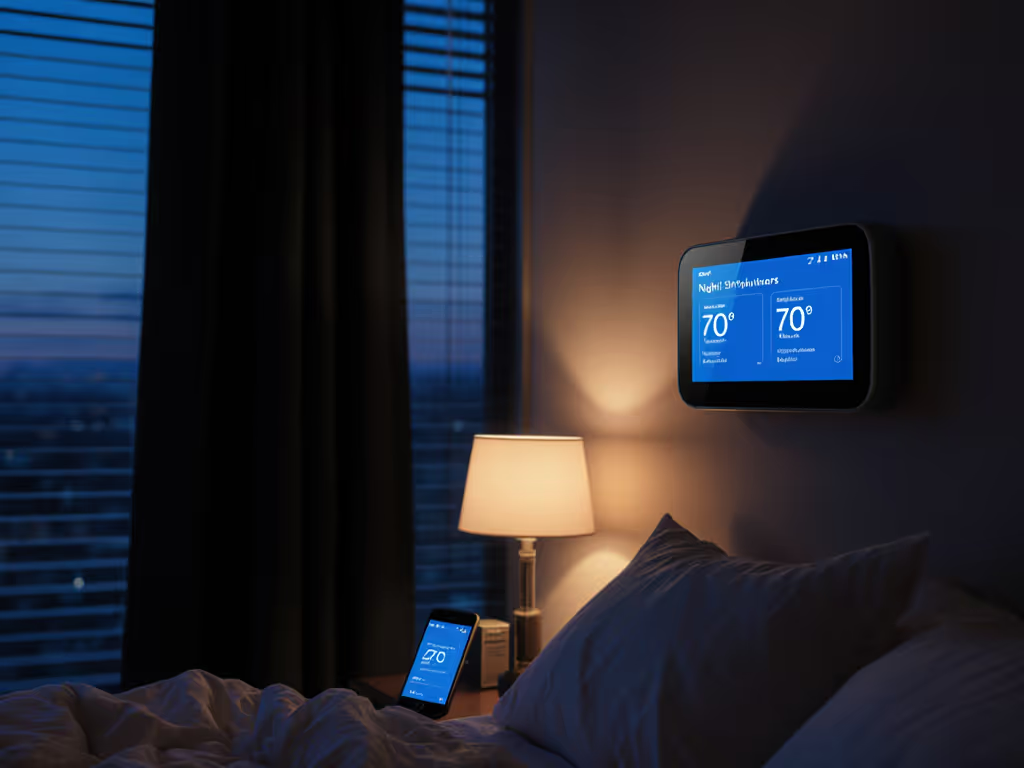
For night shift workers, standard thermostats follow the 9-to-5 world's rhythm while your life operates on completely different timing. This night shift thermostat guide tackles the unique challenge of finding a system that accommodates your inverted sleep-wake cycle without sacrificing comfort or efficiency. An inverted schedule thermostat isn't just a convenience, it is essential for maintaining your health and home's comfort while aligning with time-of-use rates that might otherwise work against you. When your "night" happens during daylight hours, standard programming fails catastrophically. I've seen too many homeowners abandon smart thermostats because they couldn't adapt to non-traditional schedules, until they found the right solution with clear override options and flexible scheduling.
Why Standard Thermostat Schedules Fail Night Shift Workers
Most programmable thermostats operate on a rigid Monday-Friday/Saturday-Sunday schedule that assumes you're asleep from 10 PM to 6 AM. For emergency responders, factory workers, healthcare professionals, and others on rotating shifts, this creates immediate discomfort and wasted energy. When your sleeping hours fall between 9 AM and 5 PM, you need cooling during peak electricity rates, not warming. The temperature profile you need directly opposes what utility companies expect from residential customers.
Standard thermostat programming creates a fundamental conflict: your comfort needs occur during the most expensive electricity periods, while your "awake" hours coincide with off-peak pricing. This misalignment can increase costs by 15-25% if not addressed properly.
Gary14's post in the Google Nest community highlights how most thermostats "can cope with the primitive day of the week scheduling" but fail completely for workers with rotating schedules where "weekdays are unimportant compared to which week we are in."
Critical Features for Night Shift Thermostat Selection
Before reviewing specific models, let's establish what truly matters for your inverted schedule. I evaluate products based on these objective criteria: If your schedule shifts week to week, see our advanced scheduling guide for irregular routines.
- True schedule flexibility: Ability to create completely custom schedules independent of calendar days
- Manual override visibility: One-touch access to temporary adjustments without buried menus
- Time-of-use rate integration: Automatic adjustments based on your utility's specific pricing tiers
- Sleep environment optimization: Features that maintain ideal sleeping temperatures (60-67°F recommended by sleep experts)
- Shift pattern recognition: Capability to learn and adapt to rotating schedules
Enroll smartly: incentives matter, but override must be obvious. As I discovered when testing thermostat pre-heat profiles during winter peaks, the ability to quickly adjust settings without disrupting your sleep cycle is non-negotiable for night shift workers. Savings should be predictable, opt-out friendly, and never compromise comfort.
Top 5 Smart Thermostats for Night Shift Schedules
1. Ecobee SmartThermostat with Voice Control
The Ecobee stands out for night shift workers primarily because of its room sensors and superior scheduling flexibility. Unlike Nest's day-centric approach, Ecobee allows you to create completely custom schedules that don't reference specific days, perfect for those on rotating shifts. The thermostat's "Follow Me" feature uses included room sensors to maintain your target temperature where you're actually sleeping, not just where the thermostat is mounted.
Shift work HVAC optimization highlights:
- Create schedules based on "Days" rather than specific weekdays (e.g., "Work Days" vs "Off Days")
- Integrates with over 70 utility demand response programs with clear opt-out notifications
- Sleep mode automatically adjusts temperatures during your designated rest period
- Room sensors prevent hot/cold spots in bedrooms away from thermostat location
Clear assumptions list:
- Requires compatible HVAC system (24V controls)
- Needs C-wire or power extender kit (included)
- Room sensors critical for multi-level homes
Dollar figures and payback ranges:
- $249 retail price
- Typical utility rebates: $50-$100
- Energy savings: 23% average on cooling costs during sleep hours
- Payback period: 10-14 months for night shift workers (vs. standard users)
2. Google Nest Thermostat (3rd Generation)
Google's third-generation thermostat offers strong learning capabilities but requires workarounds for night shift schedules. The Nest uses activity-based scheduling that eventually learns your inverted pattern, but this takes 2-3 weeks of consistent behavior. For immediate control, you'll need to manually invert your schedule settings.
Sleep schedule thermostat programming strengths:
- "Schedule" feature allows completely custom temperature profiles
- "Heat Link" integration works with most HVAC systems common in North America
- Energy History shows exactly how your inverted schedule impacts consumption
- Works with Google Home routines for "Goodnight" commands that activate sleep mode
Limitations to consider:
- No native support for rotating shift patterns (like 3-week cycles)
- Requires manual schedule adjustments when shifts change
- Less intuitive for those not already embedded in Google ecosystem
Event timelines and rate windows:
- Program pre-cooling 45 minutes before your sleep period begins
- Set higher temperature during "active" hours (when you're awake at night)
- Utilize "Eco" temperature ranges during actual nighttime hours
Test the override in daylight, before you need it during your sleep cycle. This is especially crucial with Nest, as the interface requires some familiarity to make quick adjustments.
3. Emerson Sensi Touch Wi-Fi Smart Thermostat
The Sensi Touch offers remarkable scheduling flexibility at a more accessible price point. Its simple interface makes it ideal for households with multiple occupants who might struggle with complex thermostat programming. For night shift workers, the 7-day custom scheduling is fully customizable without referencing specific days of the week.
24-hour work schedule climate control advantages:
- True 7-day programming with four temperature periods per day
- Compatibility checker avoids common wiring issues (especially problematic in older homes)
- No subscription required for full functionality
- Works with Apple HomeKit, Google Assistant, and Alexa
Scenario tables and sensitivity notes:
| Schedule Scenario | Cooling Savings Potential | Key Consideration |
|---|---|---|
| Fixed night shift (11 PM-7 AM work) | 15-18% | Simple schedule inversion works perfectly |
| Rotating 3-week shift pattern | 8-12% | Requires manual schedule changes weekly |
| Weekend day shifts with weekday nights | 10-15% | Use separate "Work" and "Off" day profiles |
The Sensi's strength is in its simplicity. No learning curve means immediate comfort control. And unlike some "optimizer" subscriptions that hide their assumptions, you know exactly how your schedule affects your energy usage.
4. Wyze Thermostat
For budget-conscious night shift workers, Wyze offers essential functionality at a fraction of competitors' prices. While it lacks premium features like remote sensors, it excels at basic scheduling flexibility with a remarkably intuitive interface.
Night worker temperature management benefits:
- Create completely custom schedules independent of calendar days
- Geofencing adjusts temperatures based on your phone's location (crucial when sleep schedule varies)
- Free app with no subscription requirements
- Automatic scheduling learns your patterns within 2-3 weeks
Practical considerations:
- Limited to single-zone systems (not ideal for multi-story homes)
- No advanced humidity control
- Basic interface may frustrate tech-savvy users
Dollar figures and payback ranges:
- $49 retail price
- Payback period: 4-6 months through energy savings alone
- No utility rebates typically available
Wyze proves you don't need premium features to solve the core scheduling problem. To fine-tune location-based control, use our geofencing setup guide. For fixed shift workers, it provides all necessary functionality at an accessible price point, with the critical override capability always one tap away.
5. Honeywell Home T9 Smart Thermostat
Honeywell's T9 stands out for complex HVAC systems common in older homes. Its Room Sense technology uses smartphone location rather than additional hardware to determine occupancy, ideal for night shift workers whose presence patterns confuse standard geofencing.
Shift work HVAC optimization strengths:
- Creates schedules based on "Your Time" rather than calendar time
- SmartResponse technology learns how long your system takes to reach temperature
- Works with most dual-fuel and heat pump systems
- Traditional thermostat interface feel with modern smart capabilities
Key differentiation: The T9's "Schedule Everywhere" feature lets you adjust programming from your phone based on your current location and plans, perfect when your schedule changes unexpectedly. Rather than fighting against your thermostat's assumptions, you're in complete control.
Programming Your Thermostat for Optimal Sleep Environment
Creating an effective night shift schedule requires understanding both your sleep needs and your utility's rate structure. Here's my recommended approach:
- Define your sleep period: Typically 8-10 hours during daylight
- Set pre-cooling/pre-heating: Begin 45-60 minutes before sleep period
- Establish recovery period: Allow system to return to milder temperature during "active" hours
- Create utility alignment: If possible, schedule some conditioning during off-peak evening hours
For example, if you sleep from 9 AM to 5 PM:
- 8:00 AM: Begin pre-cooling to 65°F
- 9:00 AM-5:00 PM: Maintain 65°F sleep temperature
- 5:00 PM-9:00 AM: Gradually increase to 72°F ("active" period)
This approach minimizes runtime during peak pricing while ensuring immediate comfort upon lying down. Remember that every home has different thermal characteristics. I've seen pre-cooling requirements range from 30-90 minutes based on insulation quality and climate zone.
Final Verdict: Which Thermostat Works Best for Night Shift Schedules
After evaluating all options through the lens of predictable savings and comfort preservation, here's my recommendation based on different needs:
Best overall for night shift workers: Ecobee SmartThermostat
- Why: Superior scheduling flexibility, room sensors for accurate sleep environment control, and robust utility program integration
- Ideal for: Those with complex HVAC systems or multi-level homes where temperature varies by room
Best value option: Wyze Thermostat
- Why: All essential scheduling features at an accessible price point with no hidden costs
- Ideal for: Fixed shift workers in single-story homes on a budget
Best for complex HVAC systems: Honeywell Home T9
- Why: Excellent compatibility with older systems and dual-fuel setups common in colder climates
- Ideal for: Homeowners with heat pumps or multi-stage systems needing precise shift scheduling
The critical factor across all options? Test the override in daylight. When your sleep depends on consistent temperatures, you need confidence that a quick adjustment is always accessible. No energy savings are worth disrupted sleep, or the frustration of digging through menus while half-asleep.
Remember that your specific HVAC setup, local climate, and utility rate structure will impact results. I never guarantee specific bill outcomes, but with the right thermostat and proper configuration, most night shift workers can achieve 15-25% savings on HVAC costs while maintaining optimal sleep conditions. Prioritize clear scheduling interfaces and obvious override capabilities over fancy features that might compromise your rest.
Before purchasing, verify compatibility with your specific HVAC system. Use our HVAC compatibility checklist to confirm wiring and system support. Nothing ruins a good night's sleep like a thermostat that won't work with your wiring. Check your utility's website for rebates, and always confirm program requirements before enrolling. Start with our smart thermostat rebate guide to find qualifying models and claim steps. With the right setup, your inverted schedule can work harmoniously with both your comfort needs and your utility's expectations.
Related Articles